ANSER CODING INC. 36 X1 User Interface
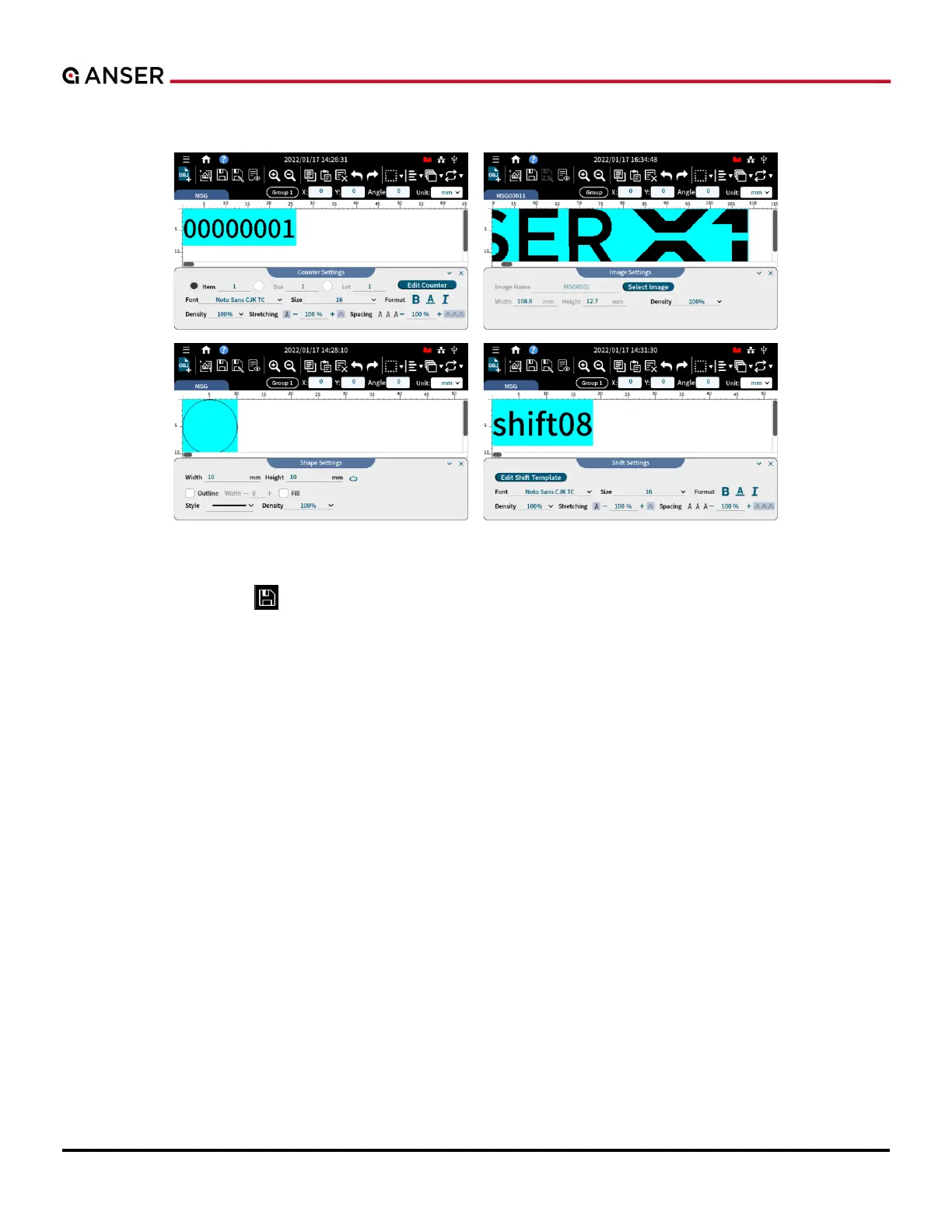
STEP 3: Template Inserted. Make detailed adjustment in each of their settings pages.
Figure 1-43. Add Object – Settings in Counter, Image, Shape and Shift
STEP 4: Press Save after adding objects and editing messages to go back to homepage.
STEP 5: In homepage, select a message and production line and get ready to print.



 To Next Page