ANSER CODING INC. 80 X1 Operation
File and System Backup
To back up all system information on X1, be sure to insert a FAT32 format USB before starting the backup.
Access About Printer > Restore & Backup by pressing the quick access button on the homepage and go to the
About Printer menu. Also, the users can access directly from the drop-down main menus located in the upper left corner.
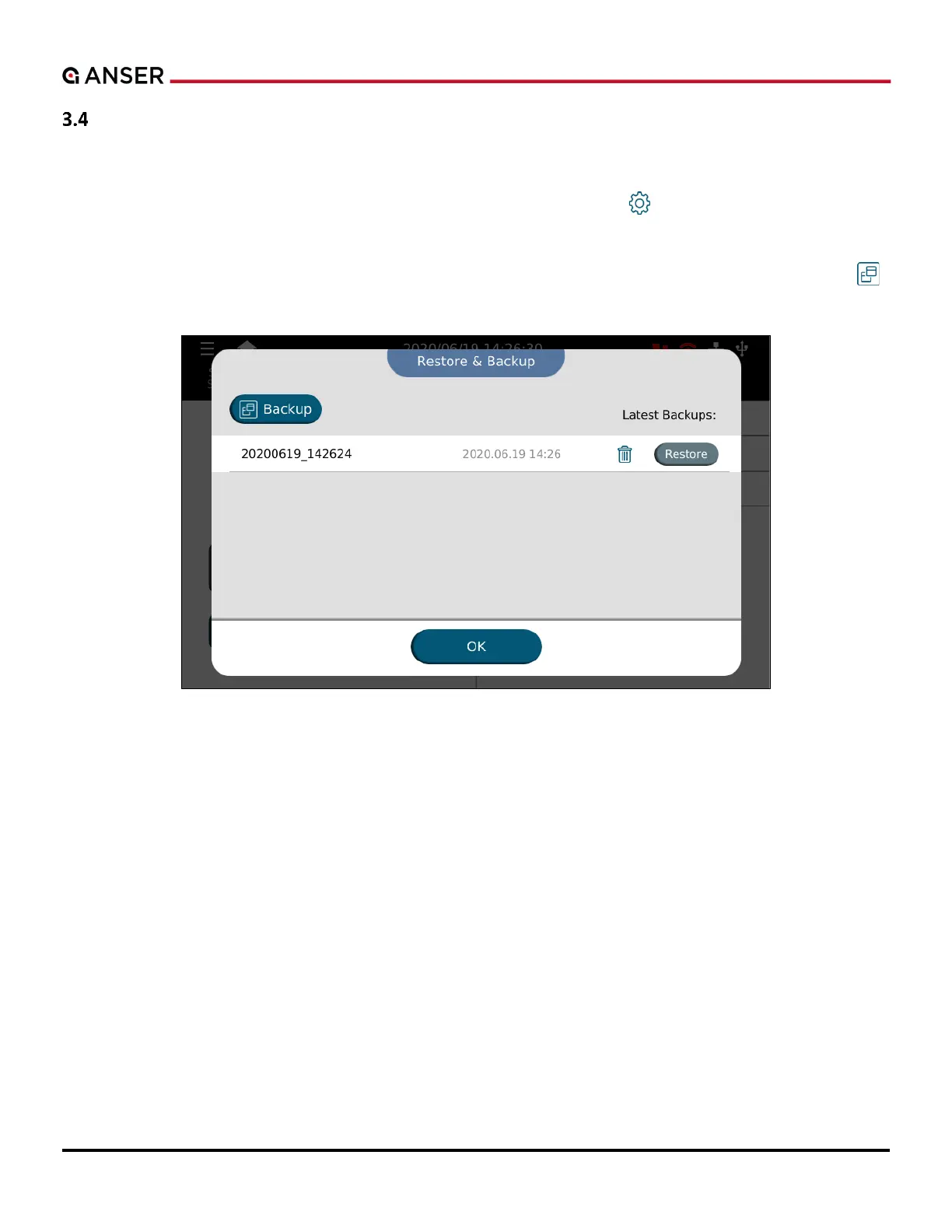
Press the Restore & Backup button to enter the list of available backup copies. To back up t
button. And to restore from existing copy, press the Restore button.
Figure 3-8. The Restore & Backup Page



 To Next Page