ANSER CODING INC. 22 X1 User Interface
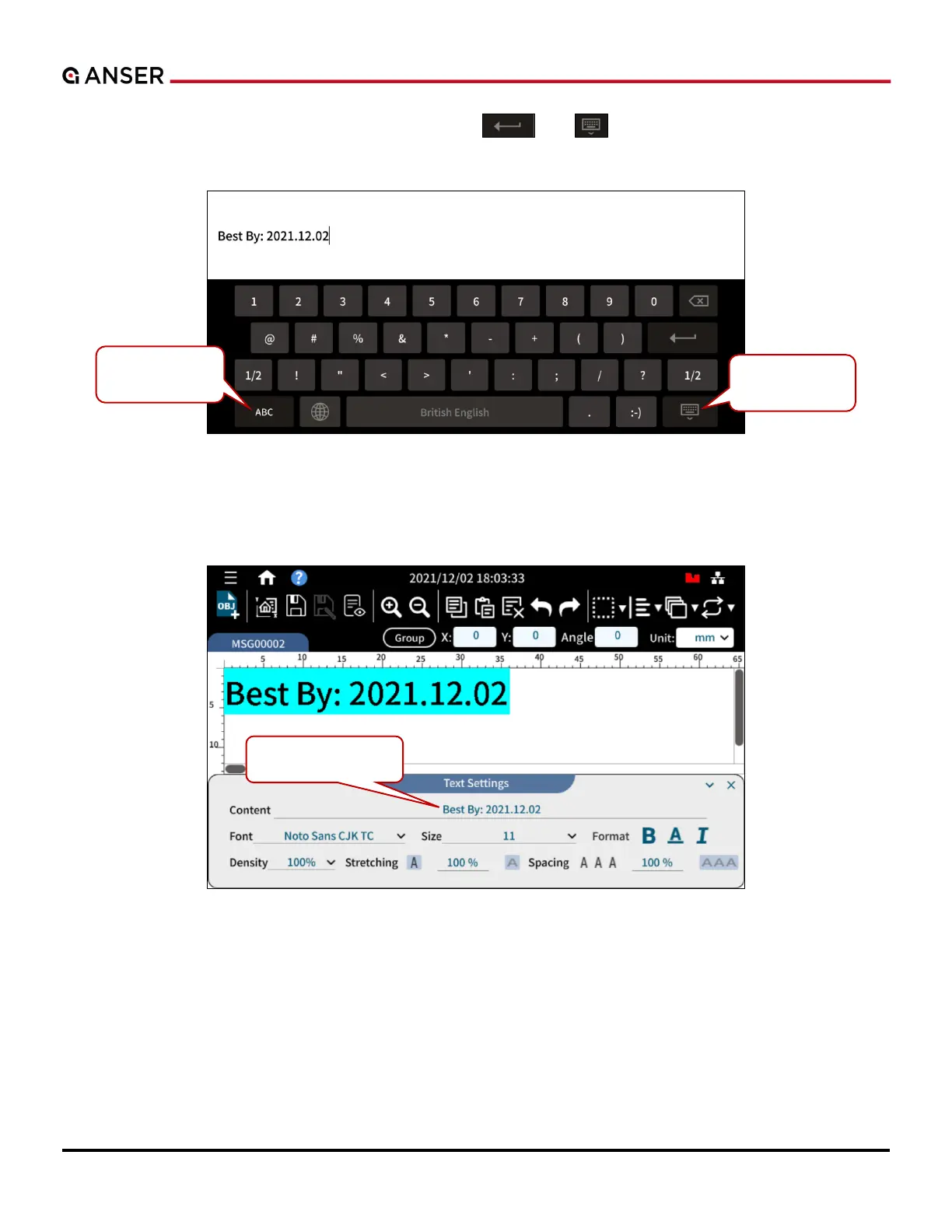
STEP 2: Key in the text with a pop-up keyboard, p , and the text template is now
being entered to message editor as the following Figure 1-20 shows.
Figure 1-20. Add Object – Edit a Text
STEP 3: Use the items in Text Settings page to change format and style. Press the text to select it (and mark it in bright
blue), and then it can be edited, copied, or deleted. If the text or an object is not selected, it cannot be edited.
Figure 1-21. Add Object – Format a Text



 To Next Page