EasyManua.ls Logo

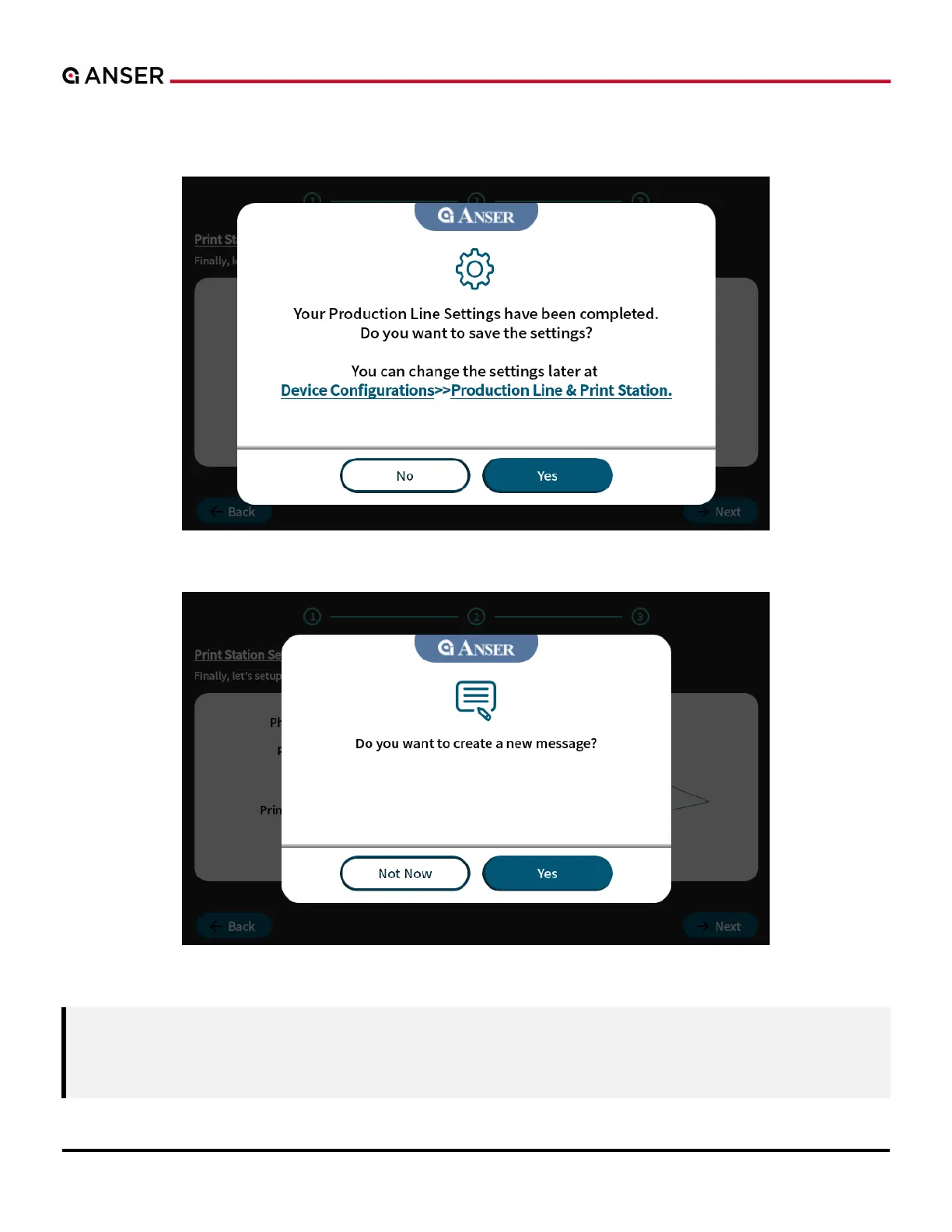
Anser X1 - Figure 1-13. Complete X1 System Initial Setup; Figure 1-14. Create a Message after X1 System Initial Setup

Default Icon
105 pages
Print Icon
To Next Page IconTo Next Page
To Previous Page IconTo Previous Page
Loading...
ANSER CODING INC. 12 X1 User Interface
Save the initial setup and confirm whether you want to proceed to the message editor or homepage. Please see the
following Figure 1-15.
Figure 1-13. Complete X1 System Initial Setup
Figure 1-14. Create a Message after X1 System Initial Setup
Note: 1. If no production line is built and no related settings are saved, neither message editing nor printing
can be done. And X1 Wizard will lead you to complete the setting after reboot.
2. If no message is assigned, neither the production line nor printing can be started.
.

Table of Contents

Related product manuals