ANSER CODING INC. 78 X1 Operation
To Import:
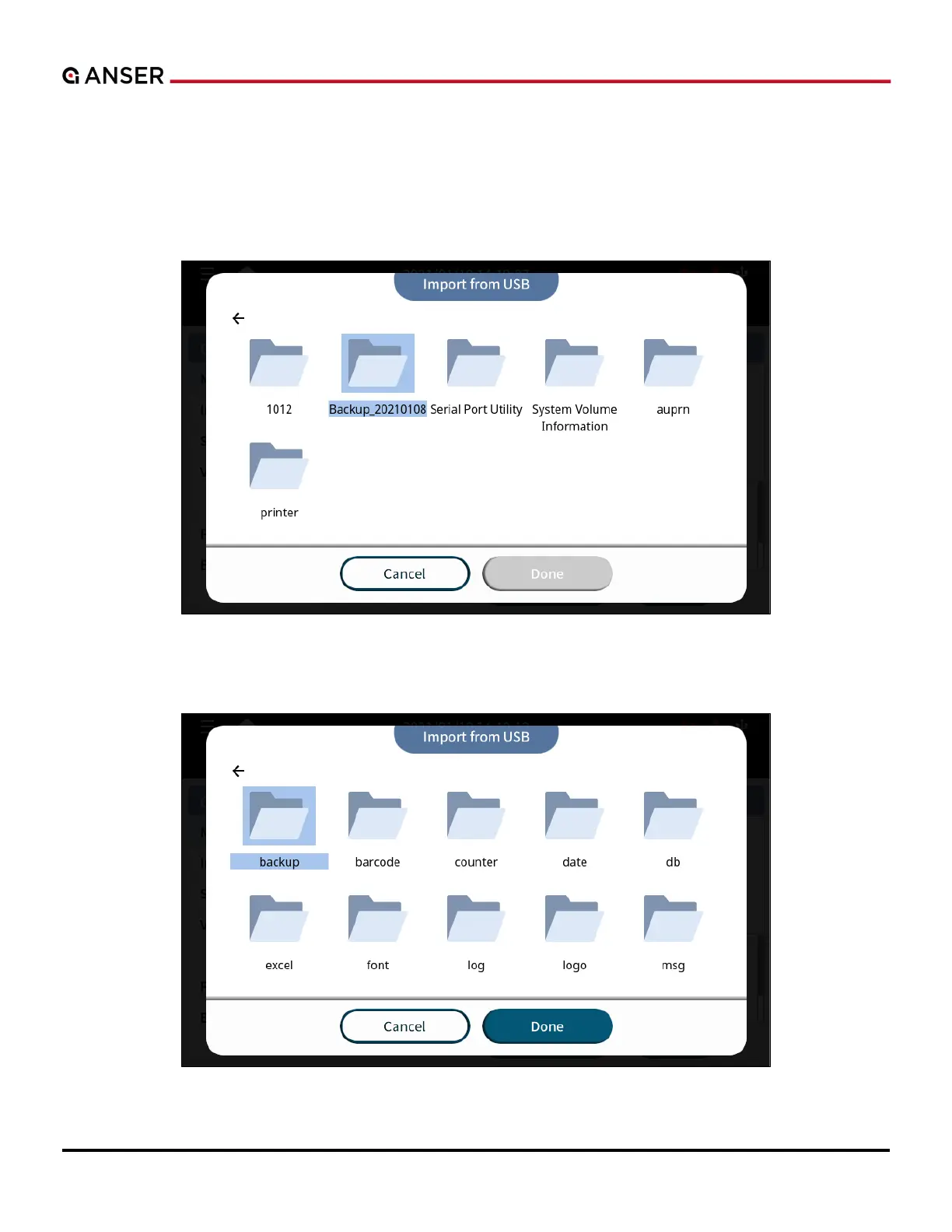
1. You will need a system file directory that can be generated through the Export operation mentioned previously.
After exporting, put one or multiple files under the corresponding subfolder, e.g., excel, font, logo....
2. Insert USB into the USB port, click Import, and access the directory of the USB to locate the files to be imported,
such
Figure 3-5. To Import from USB (1)
3. Dig into the file folder and press Done, and the directory tree will show up.
Figure 3-6. To Import from USB (2)



 To Next Page