ANSER CODING INC. 11 X1 User Interface
1.2.3 Print Station Settings
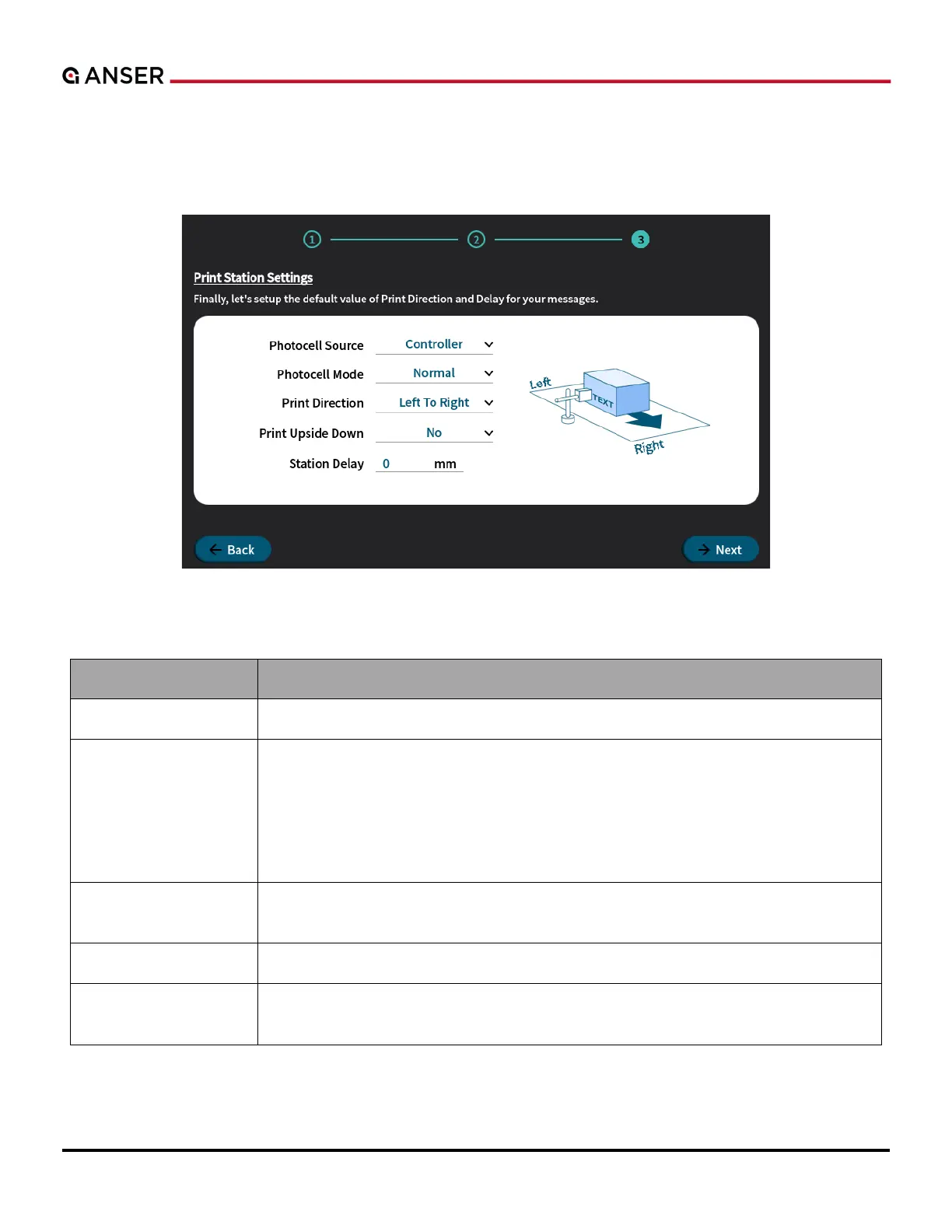
The last step in the initial setup wizard is to configure the settings related to photocell sensor, print direction and station
delay of the print station.
Figure 1-12. X1 System Initial Setup – Print Station Settings, Print Direction and Delay
Table 1-2. Related Options in Print Settings
Set the sensor signal coming from the Controller or the Printhead.
To select Normal or Inverted mode of a photocell.
Normal Mode: Trigger photocell when the sensor detects an object (High-to-Low
signals).
Inverted Mode: Trigger photocell when the sensor detects no object (Low-to-High
signals).
Set according to the moving direction of the object when passing in front of the print
station.
All messages are printed in upside down orientation.
The distance (unit: mm or inch) from the sensor trigger to the location on the product
where the print starts. Please refer to Figure 1-54 for more details.
.



 To Next Page