ANSER CODING INC. 9 X1 User Interface
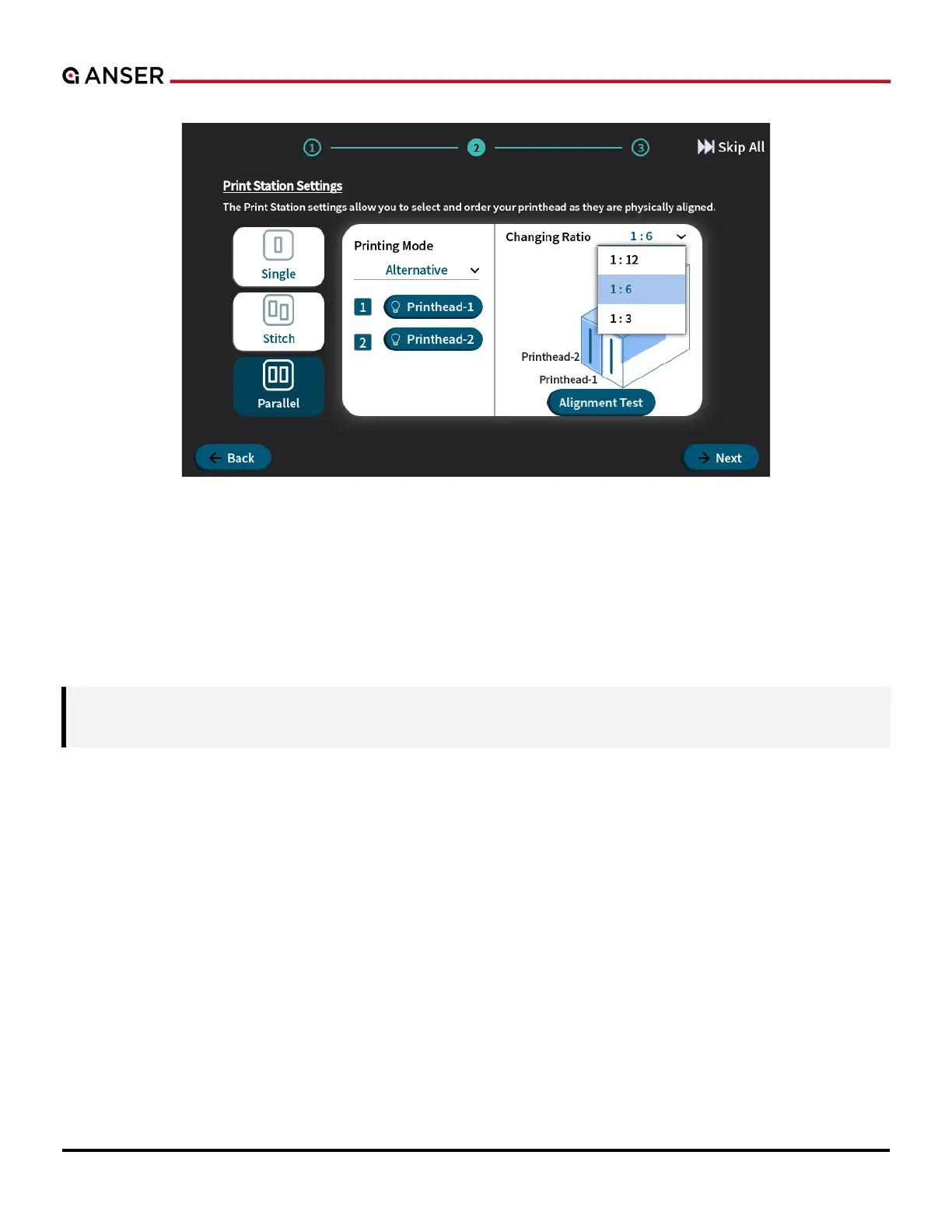
Figure 1-10. X1 System Initial Setup – Print Station Settings, Printhead Arrangement (Parallel I)
In Parallel mode, two printing modes are available Alternative and Dual Color. Alternative printing allows printheads
to print alternatively in a ratio of 1:3, 1:6, or 1:12. For example, when ratio 1:3 is selected, printhead-1 will first print one
time/item and then printhead-2 prints three, and printing goes on by repeating this 1 to 3 ratio. So 1:6 and 1:12 ratio
means printhead-2 prints six times/items or 12 times/items after printhead-1 printing one. Please see Section 1.5.2.3
for more information.



 To Next Page