ANSER CODING INC. 90 Appendix
Appendix
Printhead Maintenance
- Before powering up, make sure all the components are connected.
- Before shutting down, please remove the cartridge, and shutdown system from UI shutdown button, and then press
the power switch in the controller prior to disconnecting any of the printheads.
Controller Firmware Upgrade
X1 software can be upgraded by USB.
1. Before it starts, please make sure that the USB is formatted as FAT32 and the size of the partition is under 32GB.
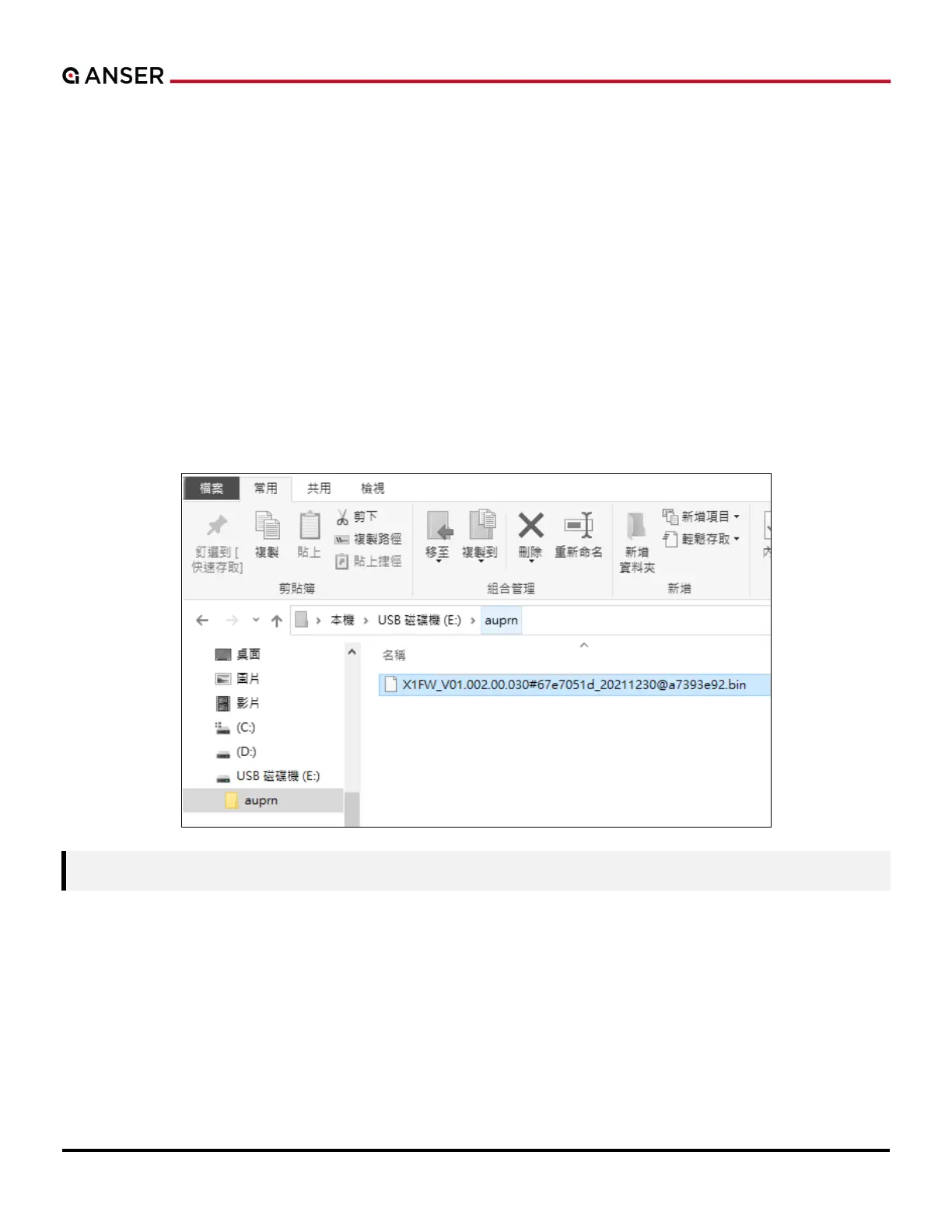
2. Create a new folder within the USB and name it as auprn.
3. Copy the software upgrade file into the USB://auprn folder.



 To Next Page