ANSER CODING INC. 35 X1 User Interface
1.4.1.5 Add Object: Counter, Image, Shape, and Shift
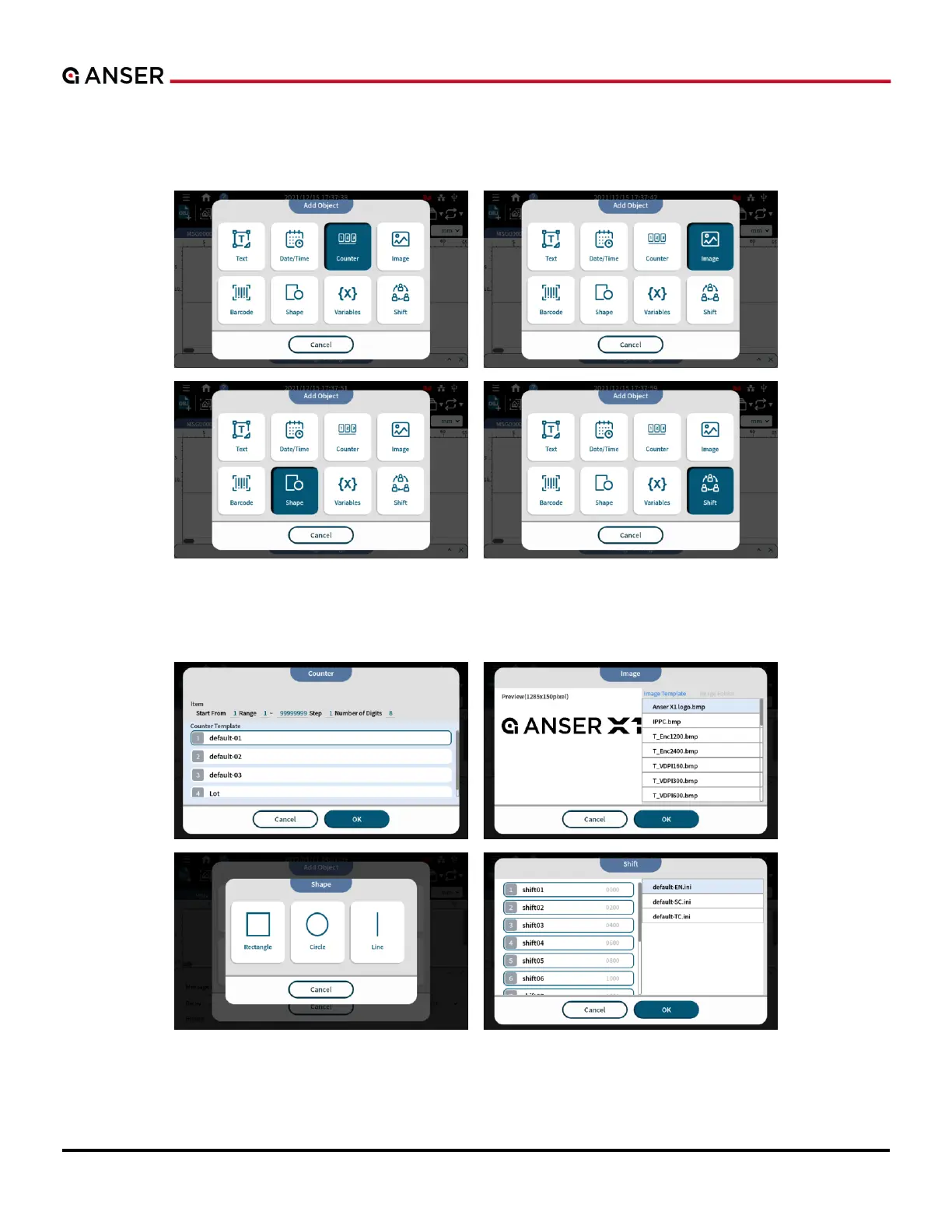
STEP 1: Use ADD Object to insert Counter, Image, Shape or Shift.
Figure 1-41. Add Object – Counter, Image, Shape and Shift
STEP 2: Select a template.
Figure 1-42. Add Object – Templates in Counter, Image, Shape and Shift



 To Next Page