ANSER CODING INC. 46 X1 User Interface
1.5.2.3 Parallel Print Station Mode
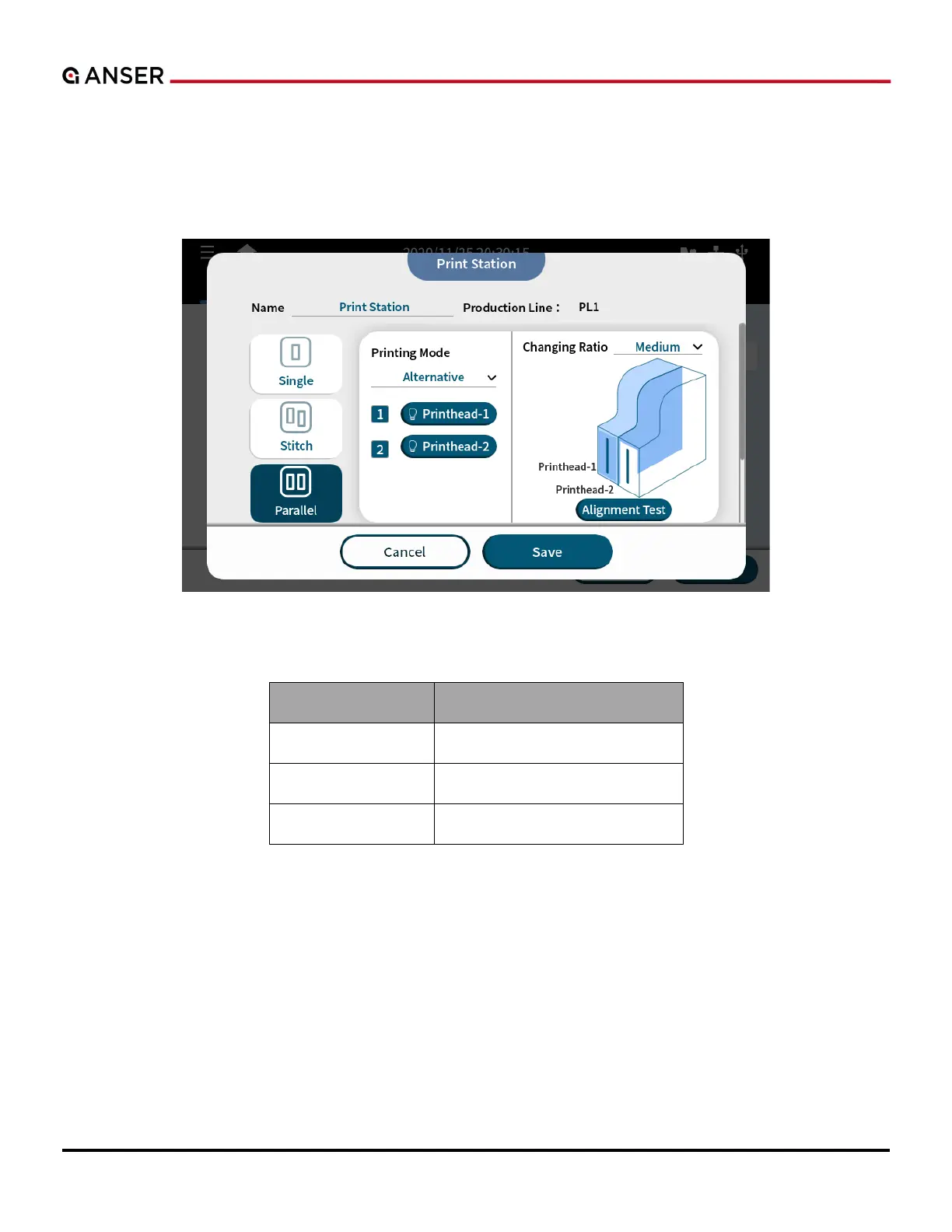
X1 parallel print station mode gives users a production without downtime. Two cartridges printing alternatively based
on different ratios configured by the users. Software monitors cartridge levels and automatically switches to the second
cartridge allowing the operator to replace the empty cartridge without needing to stop the production line.
Figure 1-56. Add a Parallel Print Station – Alternative Printing Mode
Table 1-9. Alternative Print Ratio



 To Next Page