ANSER CODING INC. 87 Troubleshooting
4 Troubleshooting
Fault Messages and Warnings
4.1.1 Ink Cartridge Fault
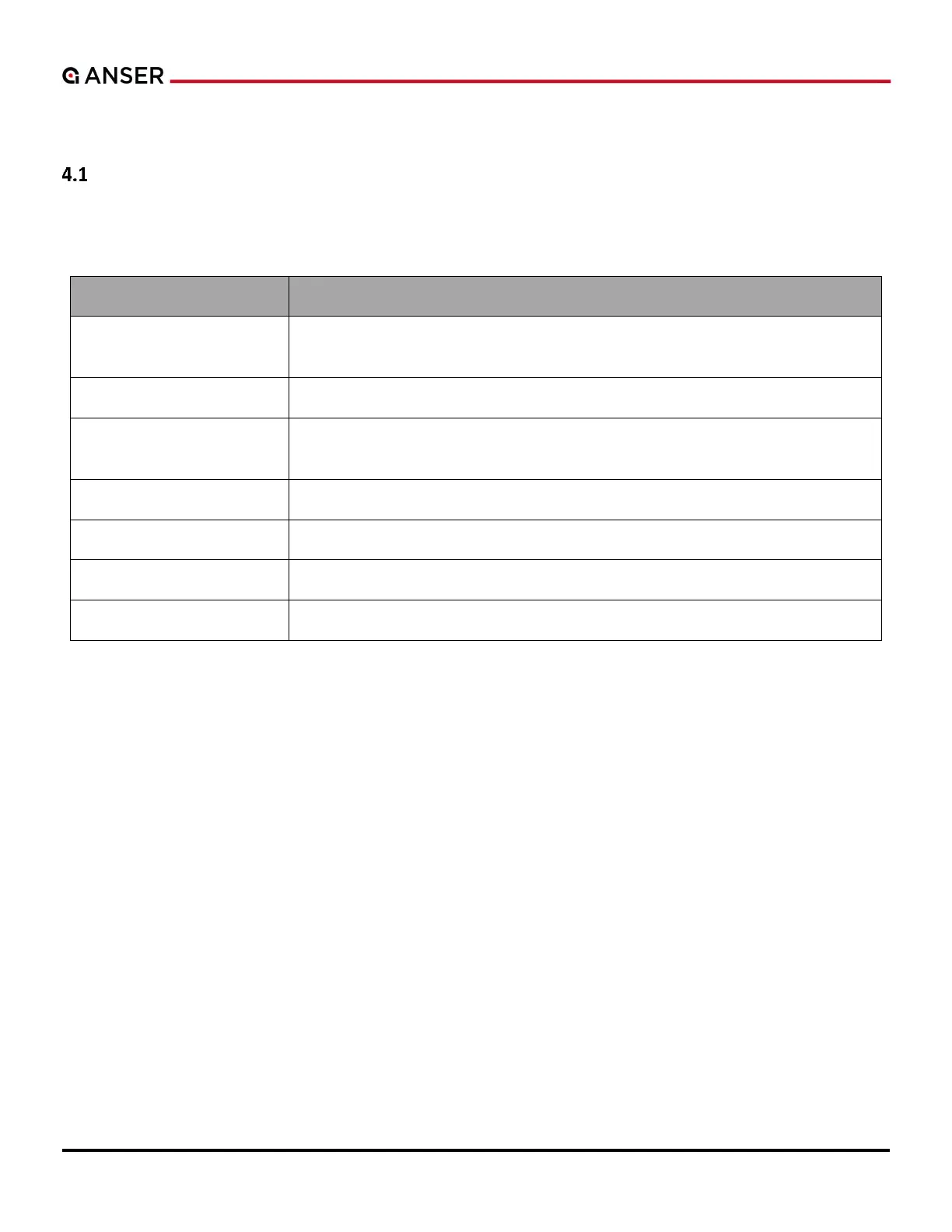
Table 4-1. Ink Cartridge Fault and Description
It normally happens when no cartridge is detected in the printhead. Additionally,
this could happen when chip failure or abnormal printhead latch happens.
The ink type is not supported in the current software version or printer model.
Ink Capacity Not Supported
Ink cartridge volume is not supported in the current software version or printer
model.
The ink color is not supported in the current software version.
Ink cartridge is empty. Please change a new cartridge.
The ink level is low (with 5% left) or lower than the custom trigger value.
E
.



 To Next Page