ANSER CODING INC. 63 X1 User Interface
1.6.5 About Printer
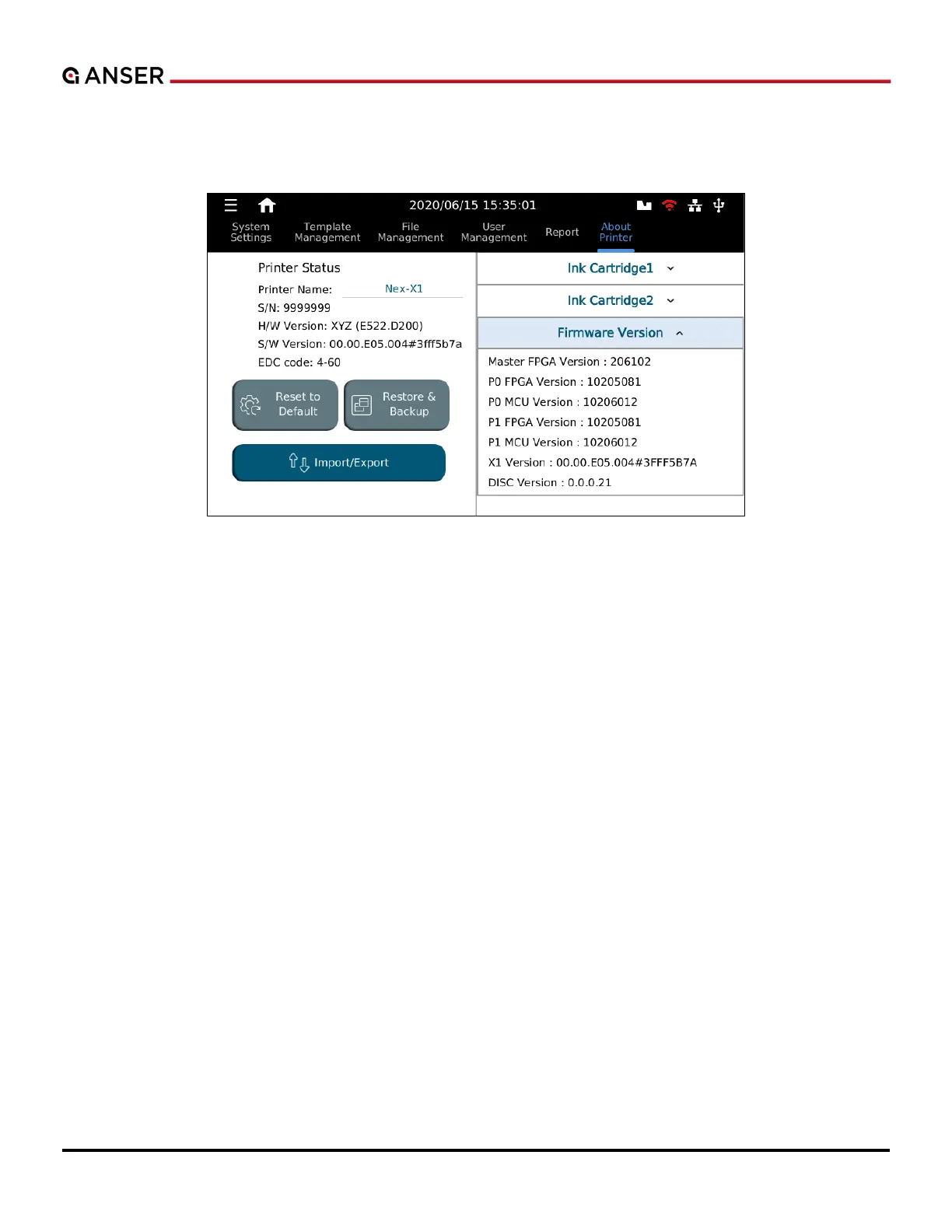
Navigate to System > About Printer (Please see Figure 1-65.) from the menu tree.
Figure 1-65. The About Printer Page
The About Printer page provides information about software and hardware version of the controller as well as
information about the printheads and ink cartridges. (They can also be seen by pressing the cartridge icon).
Options to reset the system to factory default, to restore the system from a backup, and to import/export can all be
found in this page.



 To Next Page