ANSER CODING INC. 39 X1 User Interface
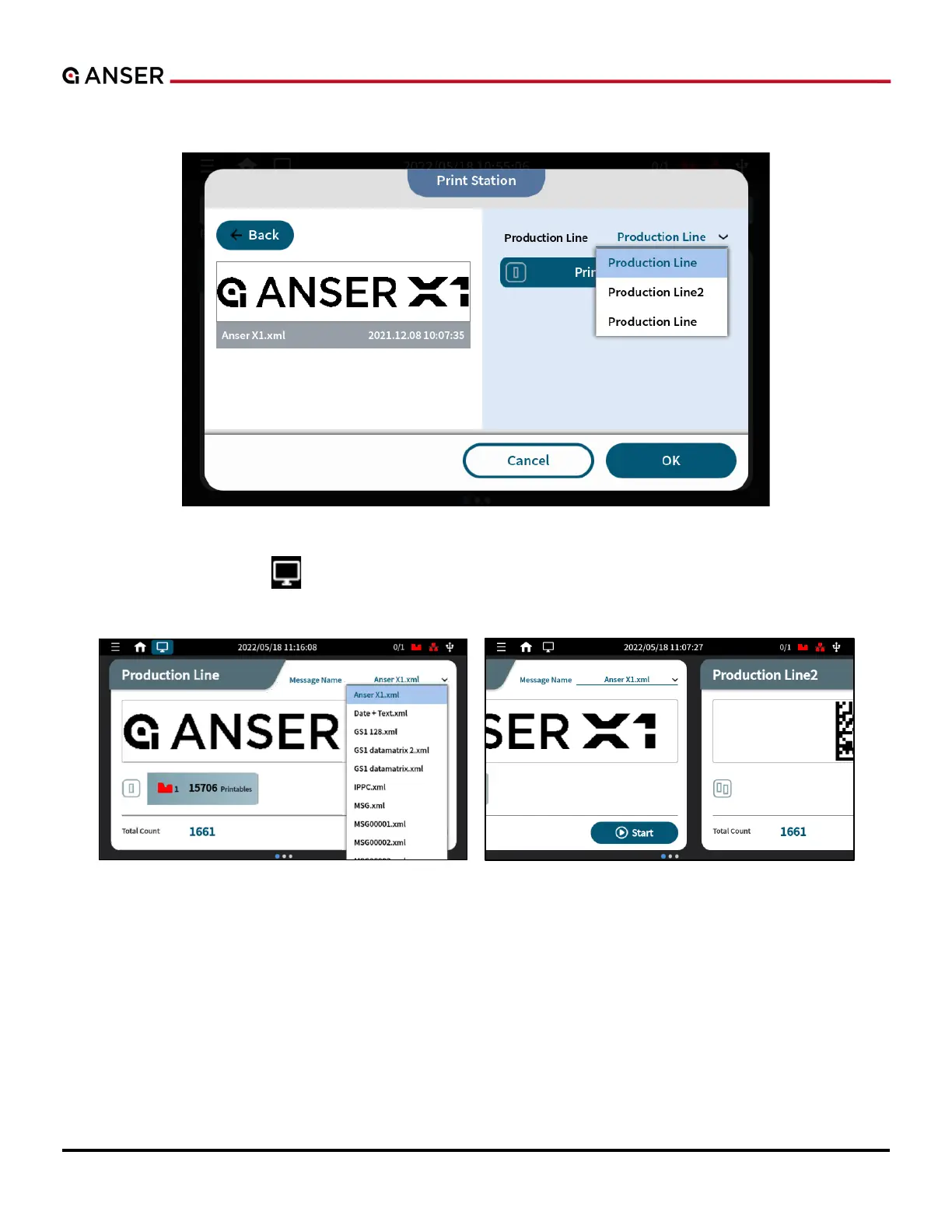
STEP 3: Assign production line and print station to print the selected message. And press OK.
Figure 1-47. Print Station Page
Or, you can press the button and switch to simplified view which gives option to quickly select a message for the
working production line.
Figure 1-48. Message Printing Page
STEP 4: Finally, press Start to print the message.



 To Next Page