ANSER CODING INC. 88 Troubleshooting
Status Definition
4.2.1 UI Icon Status
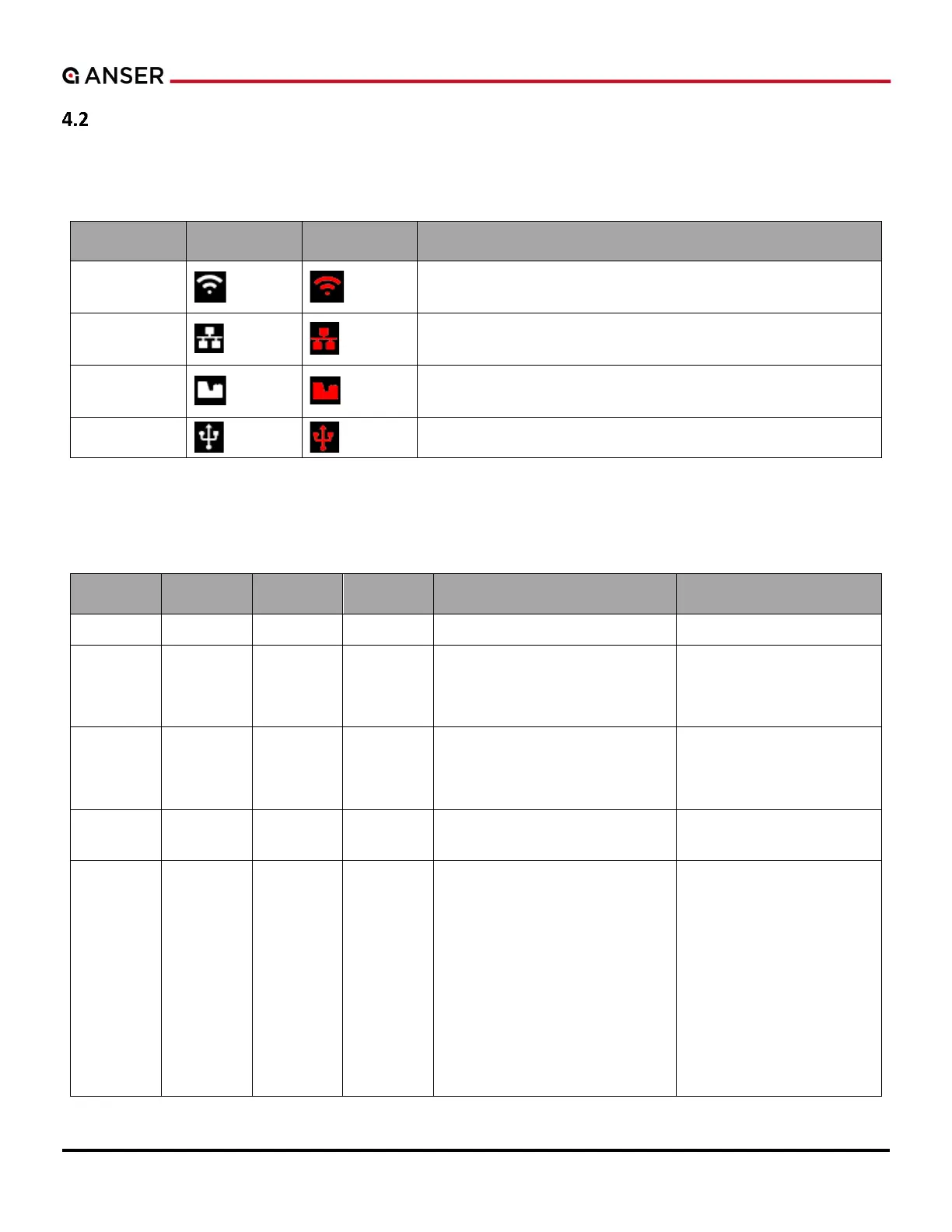
Table 4-2. UI Icon Status Definition
Click the icon to show error message dialog. Click See More to
open Wi-Fi setting page.
Click the icon to show error message dialog. Click See More to
open Ethernet setting page.
Click the icon to show error message dialog, to see cartridge
information and error codes.
Click the icon to show error message dialog.
4.2.2 UI and Warning Light
Table 4-3. UI and Warning Light Definition
Not Printing / Stop Printing
Stop Printing
Error
Ink Low or Empty
1. Reach threshold.
2. Start with a low ink cartridge.
3. Insert the low ink cartridge.
Insert cartridge ink level
over the threshold.
Printed all available ink dots.
Insert the cartridge with
enough ink to print.
DISC related:
1
2. EDC error.
3
4. No legal DISC.
5. Ink type not supported.
6. Cartridge latch is not closed.
7. Printhead is disconnected.
8. Wiping reminder time up.
When the trigger
condition is released.
.



 To Next Page