EasyManua.ls Logo

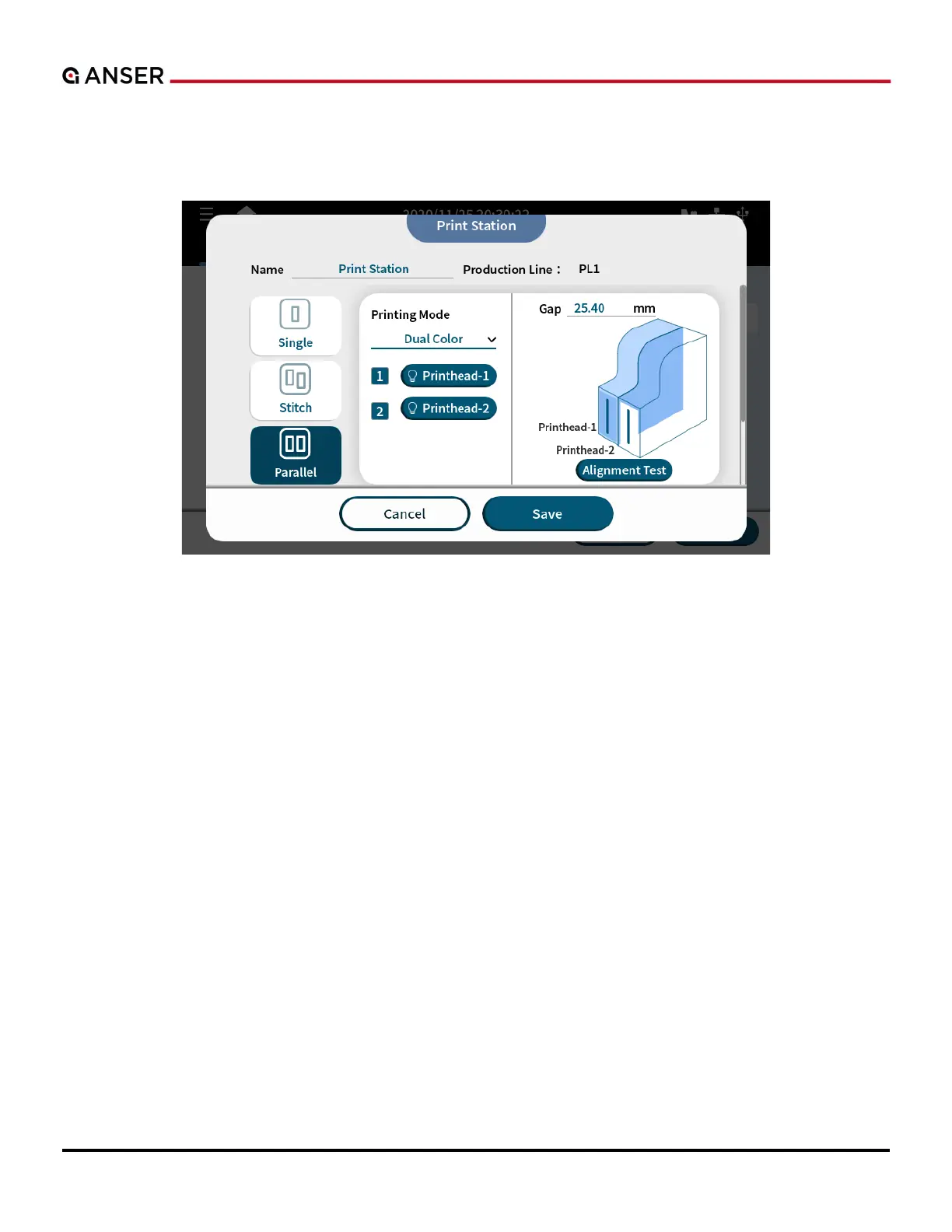
Anser X1 - Figure 1-57. Add a Parallel Print Station - Dual Color Printing Mode

Default Icon
105 pages
Print Icon
To Next Page IconTo Next Page
To Previous Page IconTo Previous Page
Loading...
ANSER CODING INC. 47 X1 User Interface

used to achieve the effect of printing one message with two different colors. In X1 message editor, you can put different
parts of a message in different groups and each representing one color cartridge.
Figure 1-57. Add a Parallel Print Station Dual Color Printing Mode
.

Table of Contents

Related product manuals