ANSER CODING INC. 19 X1 User Interface
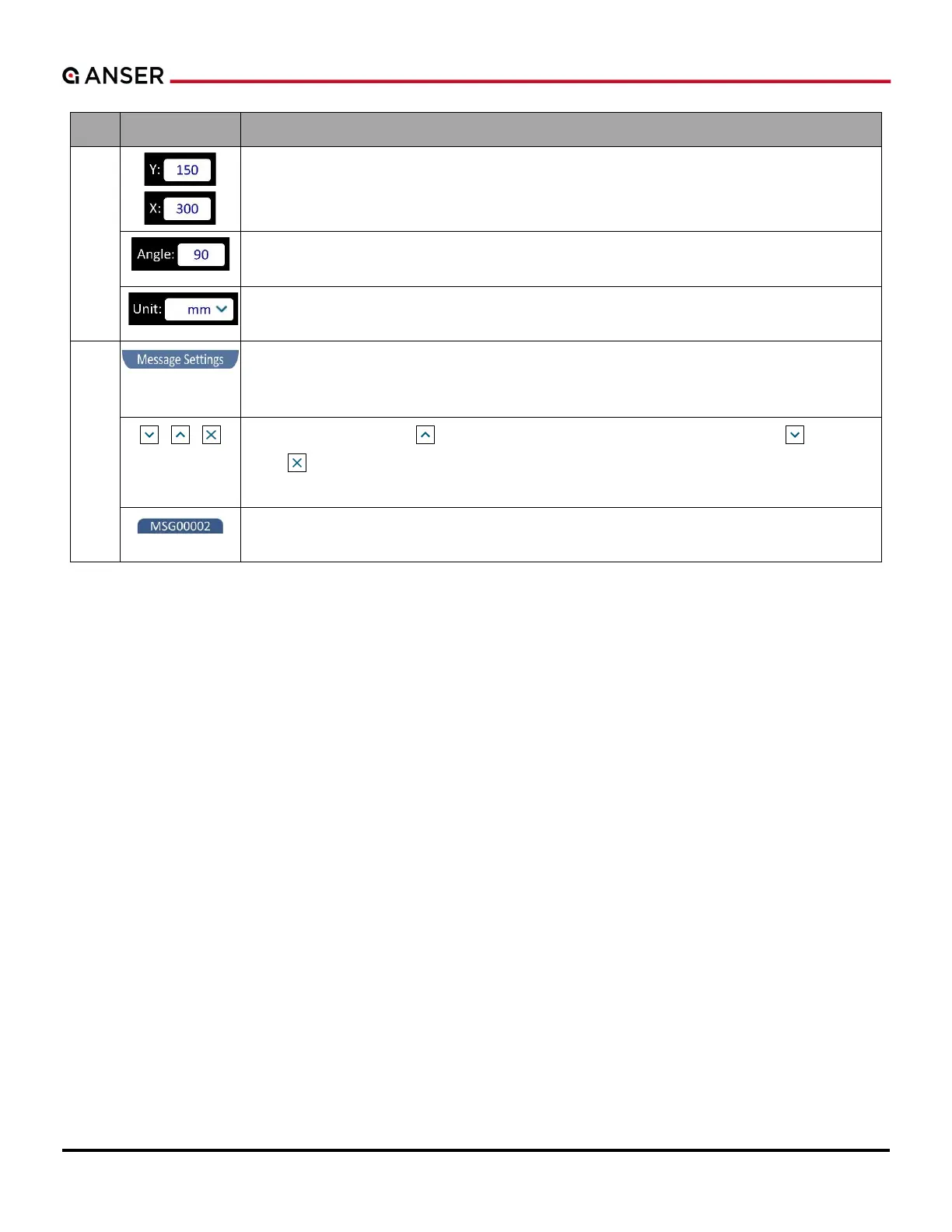
Object Positioning: Display the position of the selected object on the editor. Press the
number to enter desired values, and the selected object will be in the exact position.
Angle: It shows the angle of a selected object. Press the number to enter desired value,
and the selected object will be in the exact angle.
Canvas Measurement Unit: It allows users to change the measurement unit of the canvas
to millimeter, inch, or pixel.
Message Settings Page: Display settings of messages being edited. After entering X1
Message Editor, this page is shown closed at the bottom. Press Toggle Buttons listed below
to see the page.
Toggle Buttons: Press to close
to hide the page. To reopen Message Settings Page after hiding it, press Message
Name Tab listed below.
Message Name Tab: It shows message name and brings Message Settings page to the
front.
.



 To Next Page