Service Manual i2000SR interface module
625798100.APS.5.doc Page 123 of 212
STEPS REFERENCES
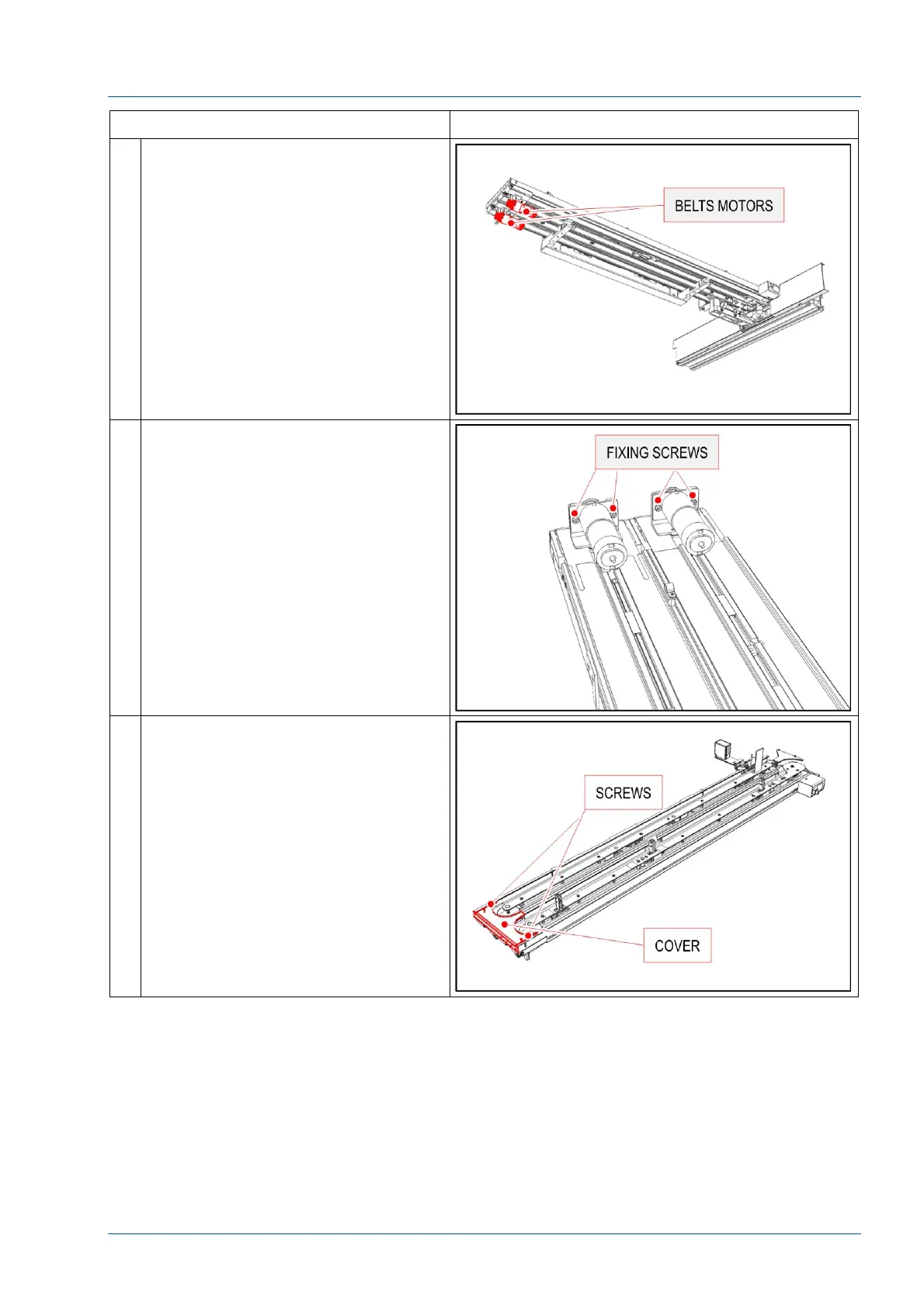
9 Follow i2000SR Service Manual to
remove the i2000SR IM bottom
covers.
10 Loosen the two bolts that fasten the
motor bracket to the driver group,
allowing the motor pulley to ease off
from the motor belt.
11 Remove the metal cover by loosening
the two screws.



 To Next Page