Service Manual i2000SR interface module
625798100.APS.5.doc Page 147 of 212
STEPS REFERENCES
9 Install a new assembly.
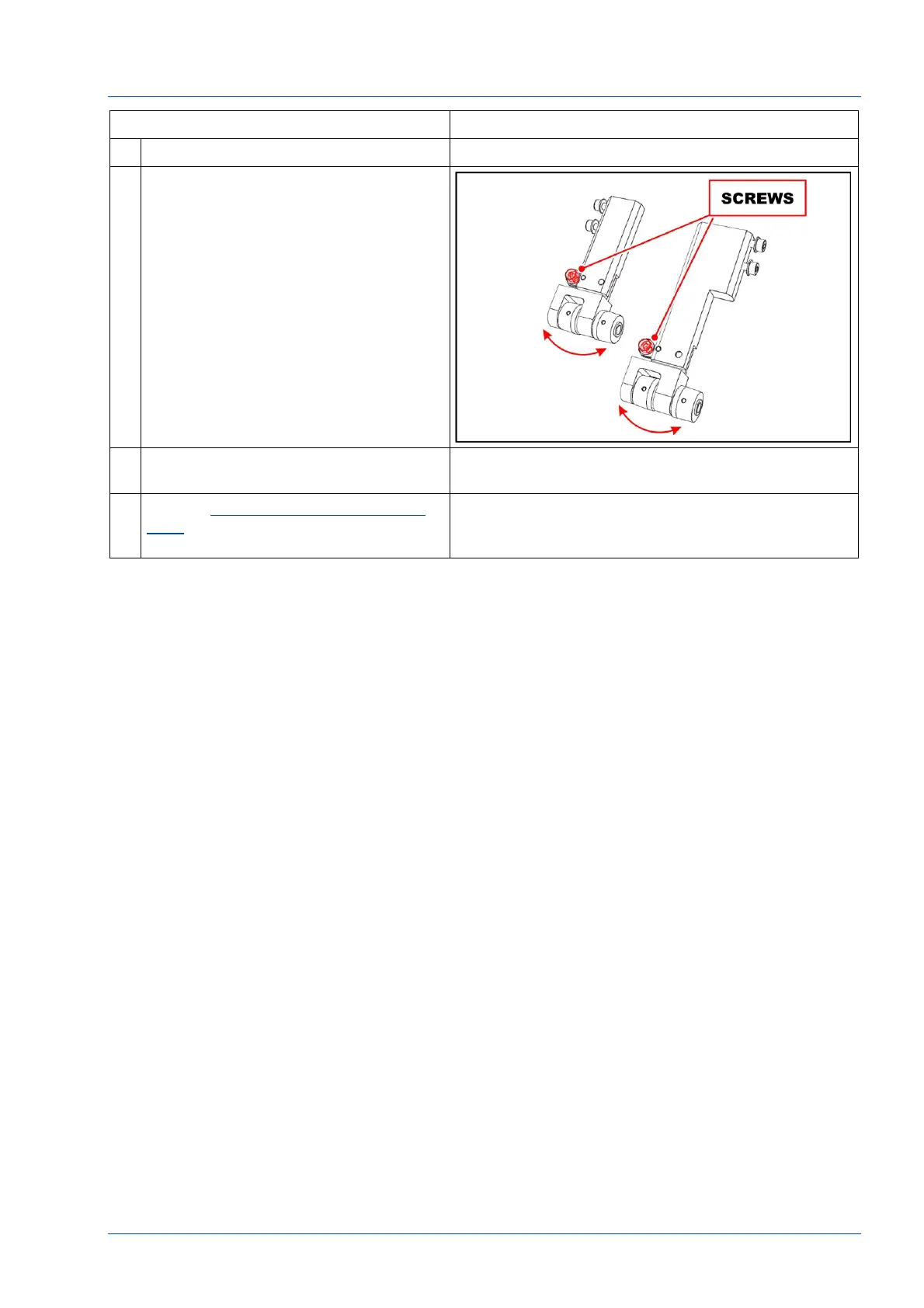
10 Note:
After idler pulley is replaced, as the
belt rotates it may drift to one side.
If the belts drift to one side, loosen
the screw shown in the figure and
adjust the idler pulley as required to
correct the movement.
11 Perform the steps above in reverse
order to reassemble the i2000SR IM.
12 See the Replacement of i2000SR IM
belts procedure to set the belts
tension.



 To Next Page