Service Manual i2000SR interface module
625798100.APS.5.doc Page 171 of 212
WARNING: Potential Biohazard. This is an activity or area
where you may be exposed to potentially infectious
material. Refer to “Section 4 - Hazards and Warnings
” of
the Accelerator Service Manual
Reduce exposure by using proper personal protection
equipment and cleaning surfaces with 0.1% sodium
hypochlorite (bleach).
CAUTION: Moving Parts
The safety cover protection is not guaranteed if the
security devices are removed or bypassed. Use caution to
prevent injury caused by moving parts.
WARNING: Electrical Shock Hazard. Possibility of electrical
shock exists if procedural or engineering controls are not
observed.
WARNING: Pinch hazard
CAUTION: Class 2 Laser Radiation when open. Do not stare
into beam. Avoid eye exposure to laser light.
STEPS REFERENCES
1 Initialize the i2000SR IM in either
the APS or Standalone modes.
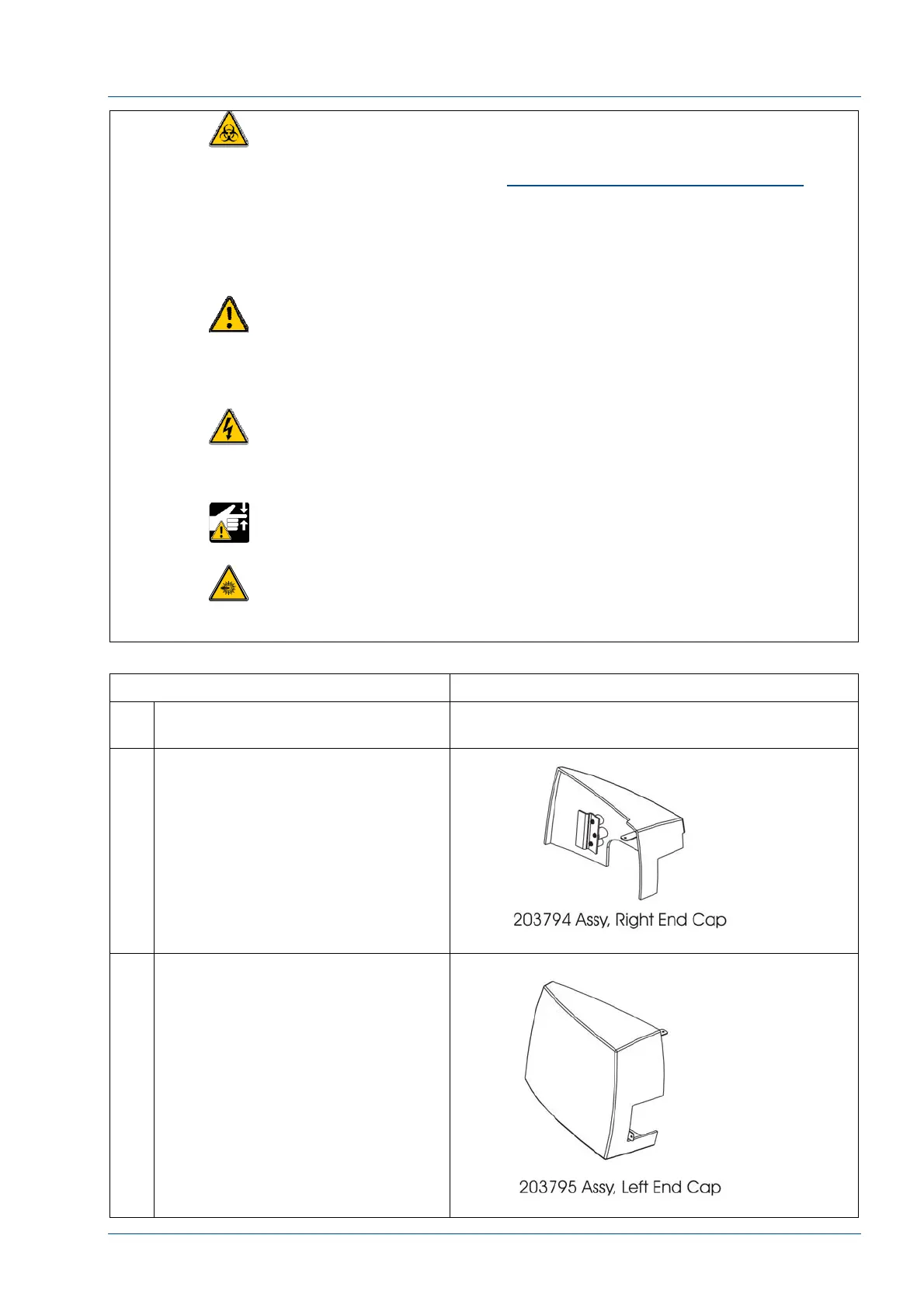
2 Remove the one (1) 14494-306
.190-32 screw, to remove the
(202990 original color or 203794
gray) right end cap.
NOTE:
The front bottom edge is captured
in the window trim between lanes 2
and 3.
3 Use a 14494-306 190-32 screw to
attach the End Cap to the window
closeout.



 To Next Page