Service Manual i2000SR interface module
625798100.APS.5.doc Page 175 of 212
STEPS REFERENCES
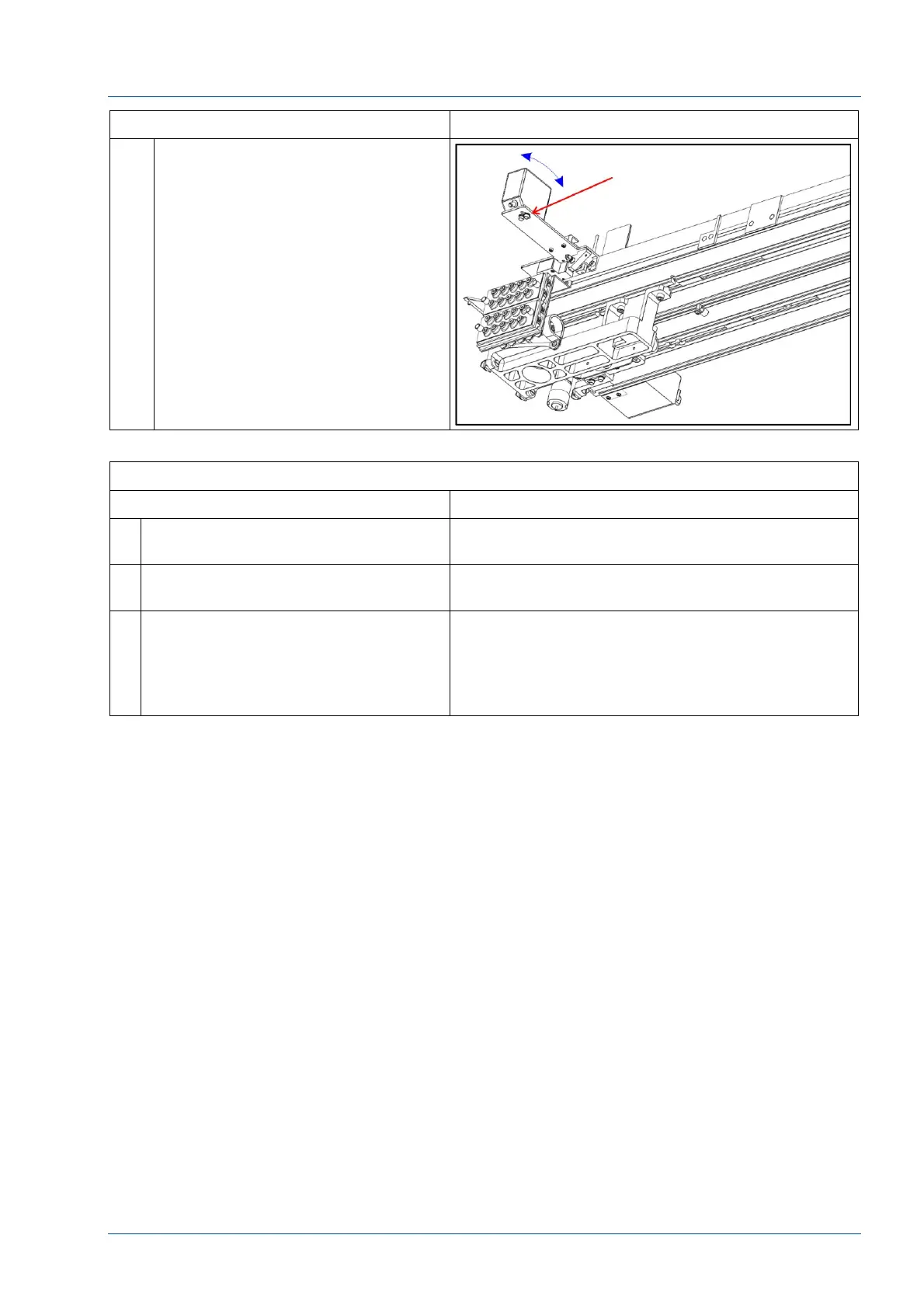
10 Verify that the screw shown in the
figure is firmly fastened to avoid
movement of the BCR .
VERIFICATION
STEPS REFERENCES
1 Order tests on five sample tubes for
each barcode type being used.
2 Verify that the barcodes are correctly
read and samples are processed.
3 If i2000SR IM is in standalone mode,
the BCR alignment can be checked
using the Alternate Method procedure
above.
Requires a PC running BARCODE SICK SCANNER
CLV 422-0010 software and a standard serial null
modem cable connected between PC serial port
and J14 on top of the electrical box.
During the procedure, follow software instructions



 To Next Page