i2000SR interface module Service Manual
Page 174 of 212 625798100.APS.5.doc
STEPS REFERENCES
9a.
3
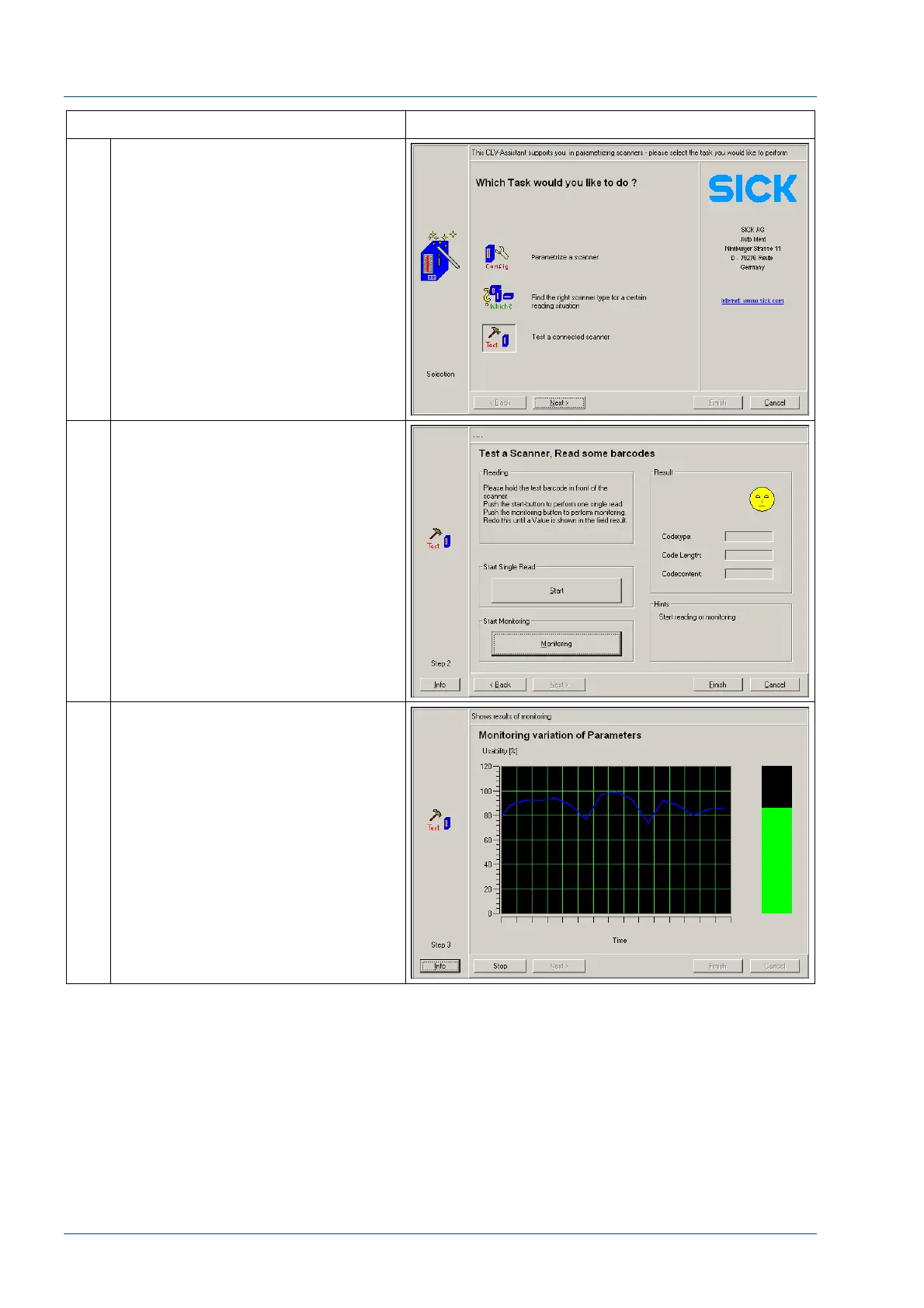
Within the Assistant application,
select “Test a connected scanner”
Then select “Next”
9a.
4
At the resulting screen, select
“Monitoring”
9a.
5
Using the screen image graph and
green indicator bar, adjust the
position of the scanner in a manner
that it yields consistently good
reading.
After adjustment is complete, select
“Stop”
Disconnect the RS-232 cable at J14.



 To Next Page