Service Manual i2000SR interface module
625798100.APS.5.doc Page 193 of 212
STEPS REFERENCES
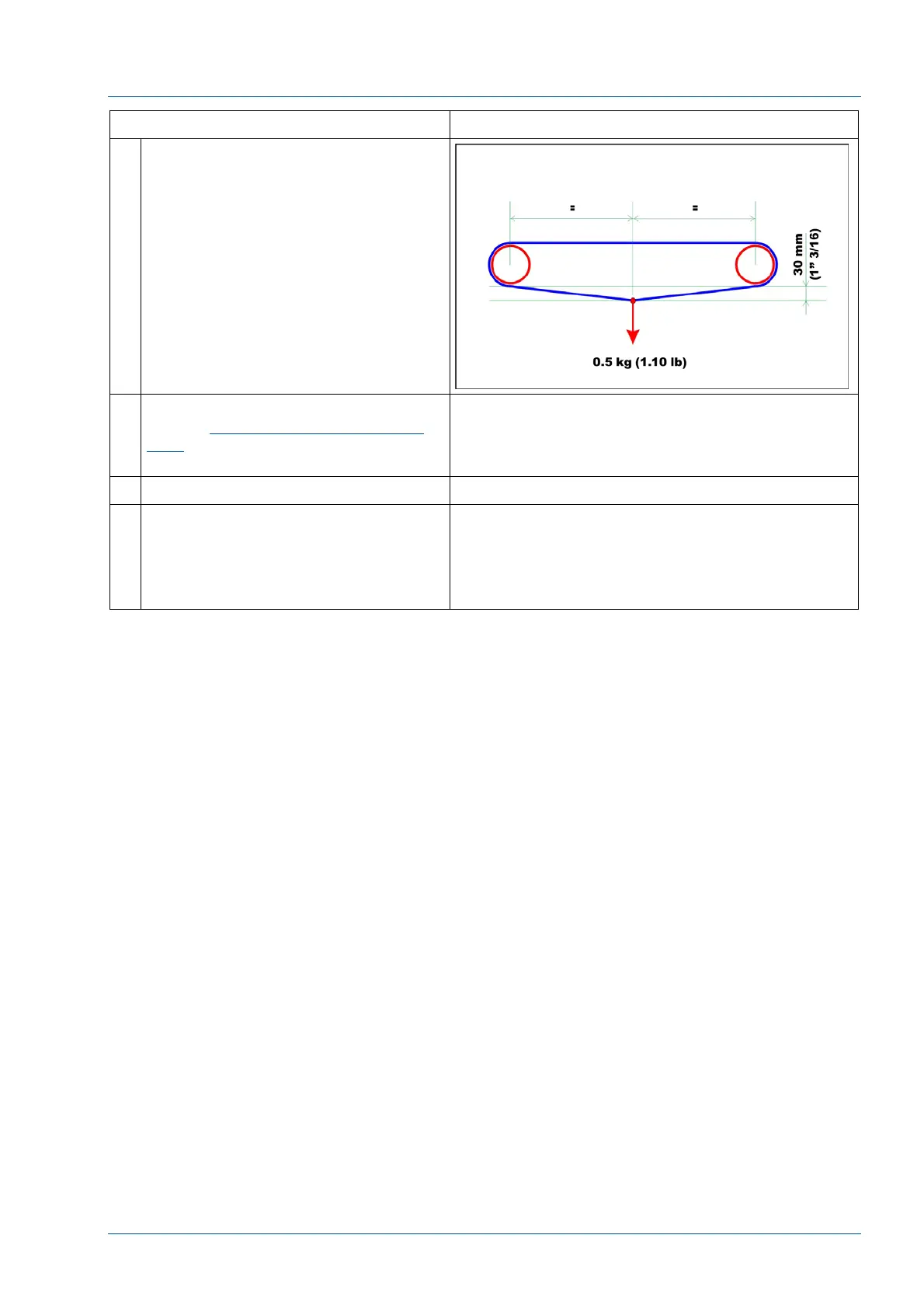
7 Hang the belt tensioning tool in the
center of the bottom section of the
belt to be tested.
The right tension of the belt is
obtained when the distance of
between belt and the bottom of the
extrusion is 36 mm (1” 27/64) with a
± 6 mm (15/64”) of admissible
tolerance.
8 If belt tension adjustment is required,
use the Replacement of i2000SR IM
belts procedure to access the
mounting screws.
9 Restore all electrical connections.
10 Replace all covers.
NOTE:
Use care to ensure that all cables and
tubing are not pinched, crimped or
damaged.



 To Next Page