Service Manual i2000SR interface module
625798100.APS.5.doc Page 199 of 212
STEPS REFERENCES
1 Perform the controlled shutdown of
the Workcell
Refer to the “Operations Manual – SECTION 5 –
Operating Instructions” to execute the “Controlled
power shutdown” of the Workcell.
2 On the FSE Laptop, run the Infineon
Memtool (x) program.
3 Select File then Open. Navigate to
the stored location of the new
firmware version on your PC.
NOTE:
The firmware file for the Tag Reader
CAN bus boards has name format of
_________.H86.
Below are examples of file names:
Track TagReaderHCverX_XX.H86
i2000SR
IM
Master
i2000sr Master_Slave
verX.XX.H86
i2000SR
IM
Slave 0 &
1
agReaderHCi2000sr Slave
XX.H86
4 Turn OFF the power supply to the Tag
Reader CAN bus board
At the i2000SR IM – turn the
i2000SR/0/APS switch to the center
OFF (0) position.
Track Tag Reader CAN bus board –
Disconnect power cable at CN1 [1].
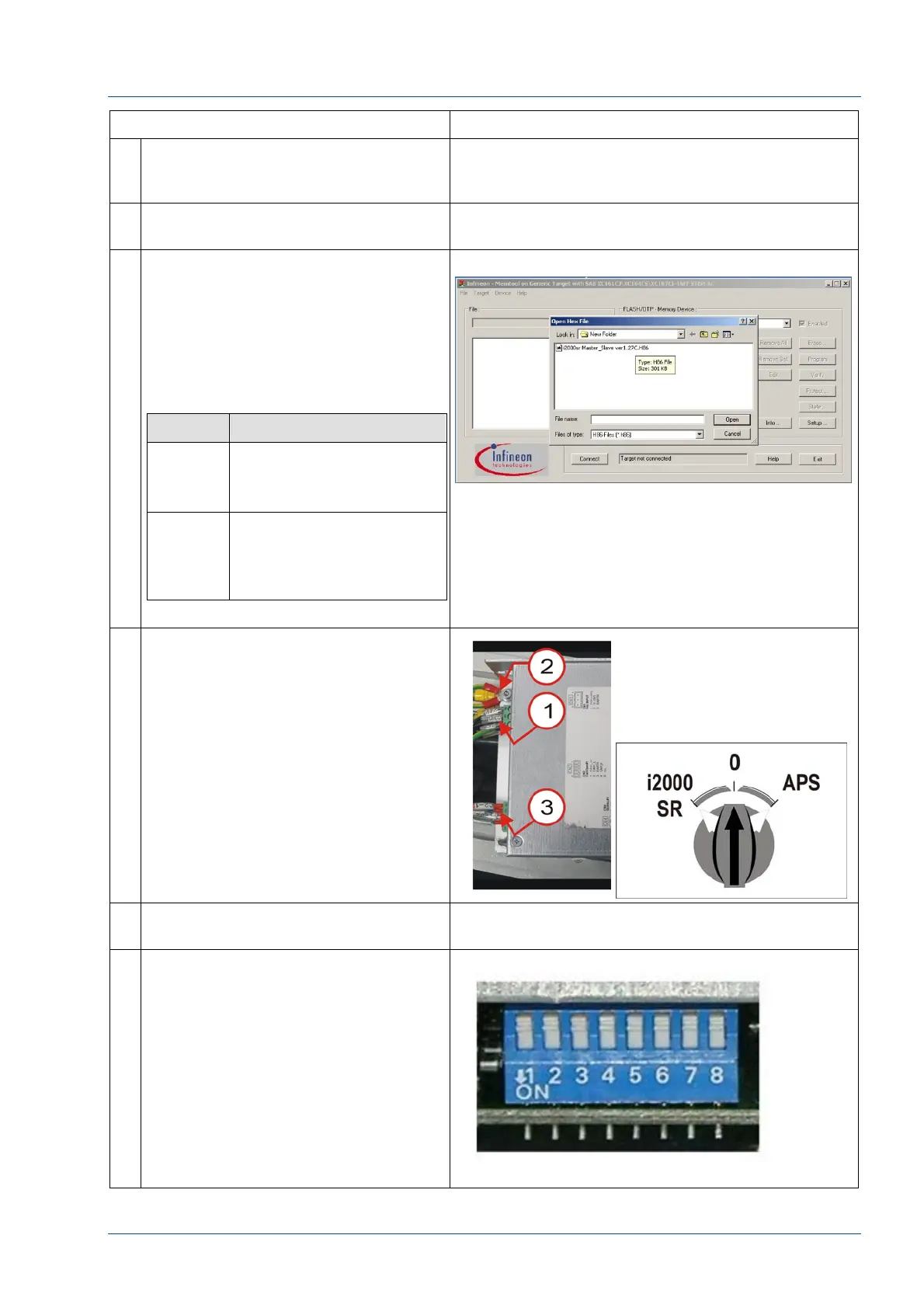
5 Note the positions of the Dip-switch
settings (It will be used later).
6 Change the Dip-Switch settings all to
OFF.



 To Next Page