i2000SR interface module Service Manual
Page 200 of 212 625798100.APS.5.doc
STEPS REFERENCES
7 If connected, remove the RS232
cable connection at Tag Reader CAN
board, CN4 (Com 1).
This cable is used to communicate
with analyzers/instruments. It is
important that this cable is connected
at the end of the procedure.
8 Connect a serial cable between the
RS-232 COM port on the PC with
Memtool and CN4 (Com 1) on the Tag
Reader CAN bus board.
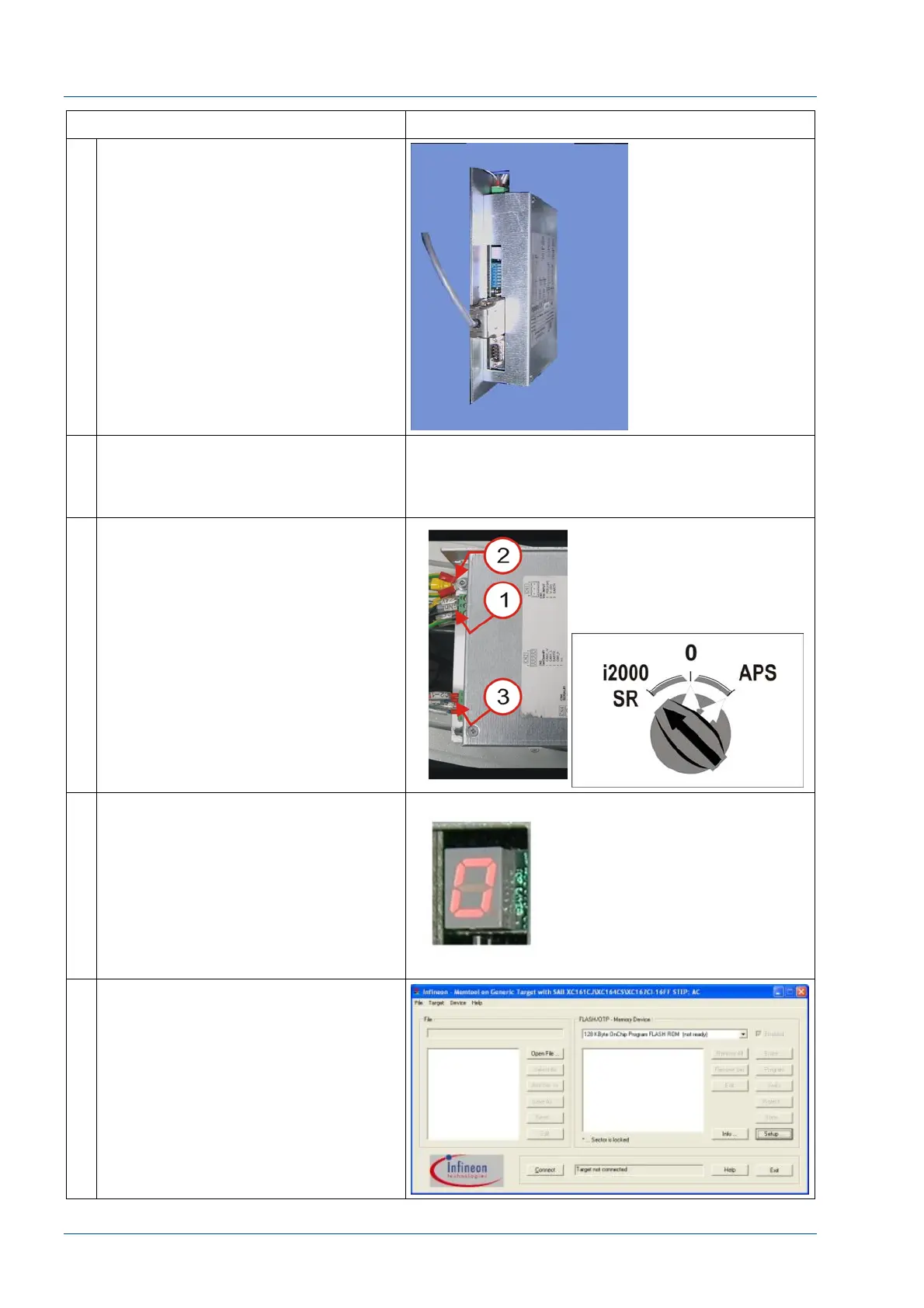
9 Turn ON the power to Track Tag
Reader CAN bus board.
Track Tag Reader CAN bus board –
Connect power cable at CN1 [1].
i2000SR IM – turn the i2000SR/0/APS
switch to the i2000SR position.
10 Verify that the power LED and the
digital display are ON and a zero (0)
is displayed.
11 At the Memtool, press Connect.
If the board does not connect, close
the Memtool application, check cable
connections and repeat.



 To Next Page