Service Manual i2000SR interface module
625798100.APS.5.doc Page 201 of 212
STEPS REFERENCES
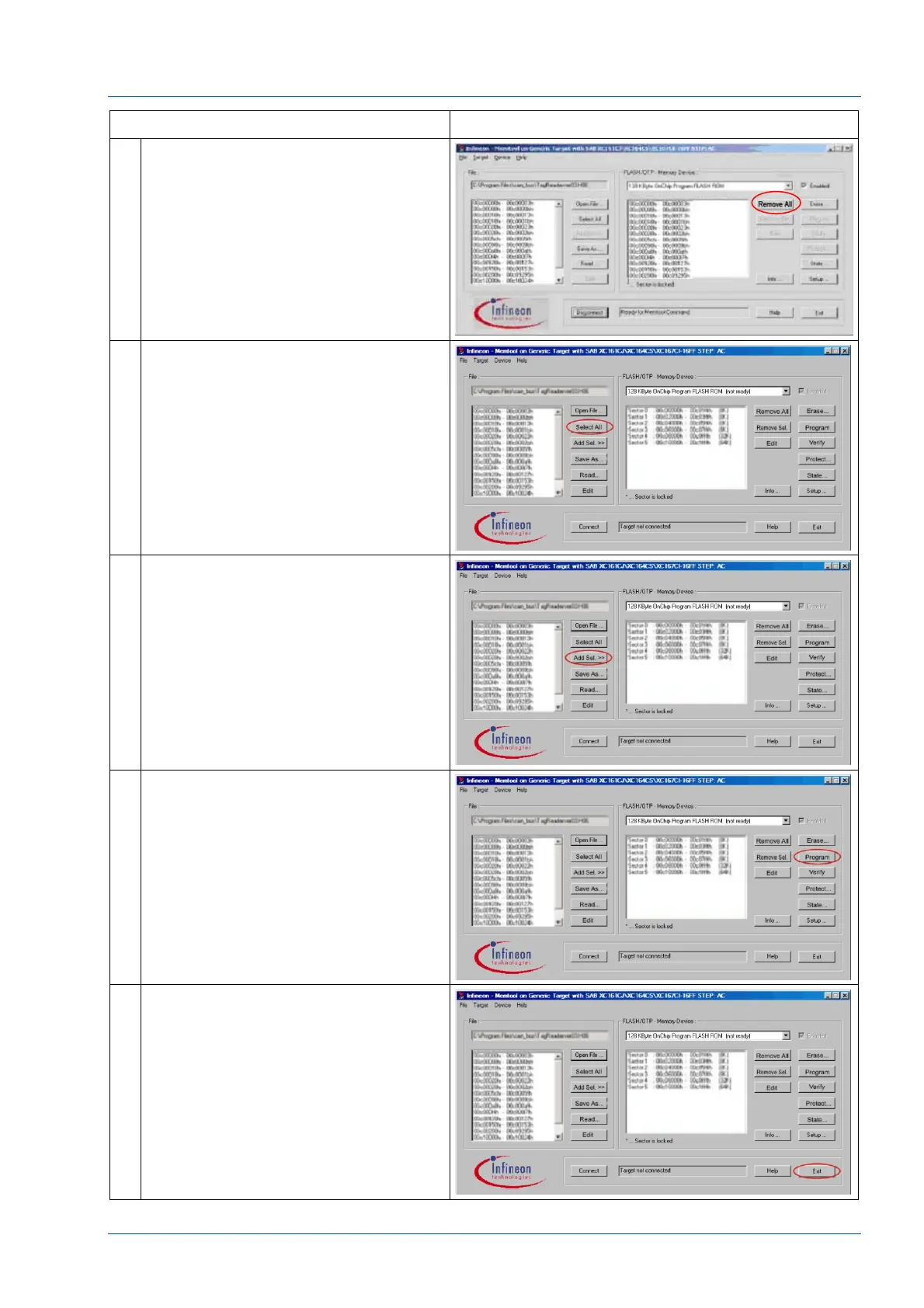
12 If Remove All is displayed in the
FLASH/OTP Memory Device window,
press the Remove All button.
13 In the File window, press Select All.
14 In the File window, press
Add Sel. >>
15 In the FLASH/OTP Memory Device
window, press Program.
16 The Execute Memtool Command
window, Operation field, will display
the current process and its status.
If an error occurs, repeat steps 12 -
16.
If “success” is displayed, press Exit.



 To Next Page