i2000SR interface module Service Manual
Page 202 of 212 625798100.APS.5.doc
STEPS REFERENCES
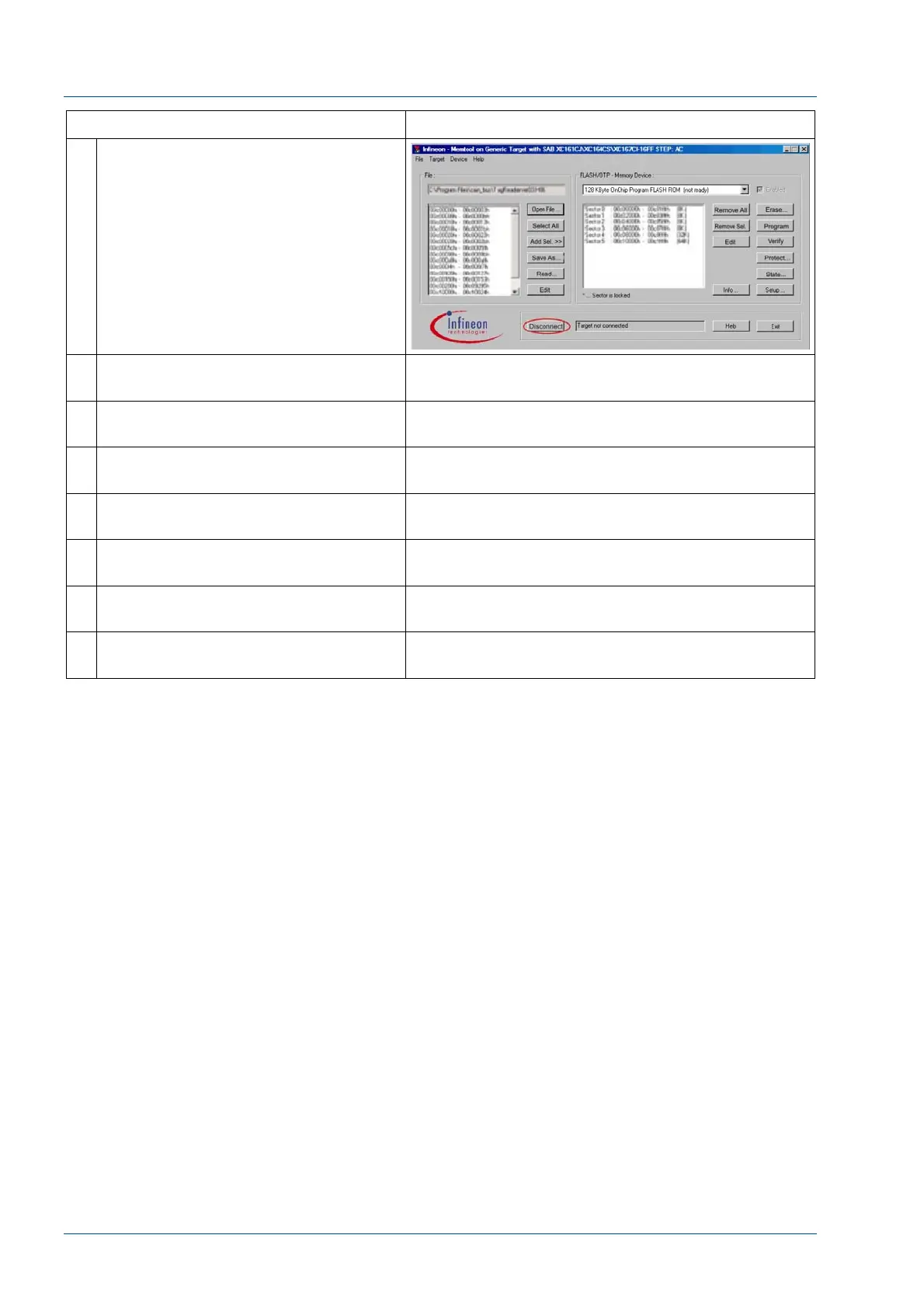
17 After the board firmware is
successfully loaded, press
Disconnect.
18 At the Tag Reader Board, disconnect
the serial cable.
19 Turn OFF the power to the Tag
Reader CAN Bus board.
20 Set the Dip-Switches back to the
original configuration.
21 If appropriate, reconnect the
Analyzer/Instrument cable.
22 Turn ON the power to the Tag Reader
CAN Bus board.
23 Verify that the power LED and the
digital display are ON.
24 Repeat the procedure for each Tag
Reader CAN Bus board.



 To Next Page