Operating the System
X-ray Table Examination Procedures
Rotate the x-ray tube in order for the left edge of the collimator light field to indicate the left
limit for the composite image.
Press the button (F2) to set the left limit, see Fig. 4-29 .
• The button turns green to indicate that the limit is set.
• Data is present on the right side of the display.
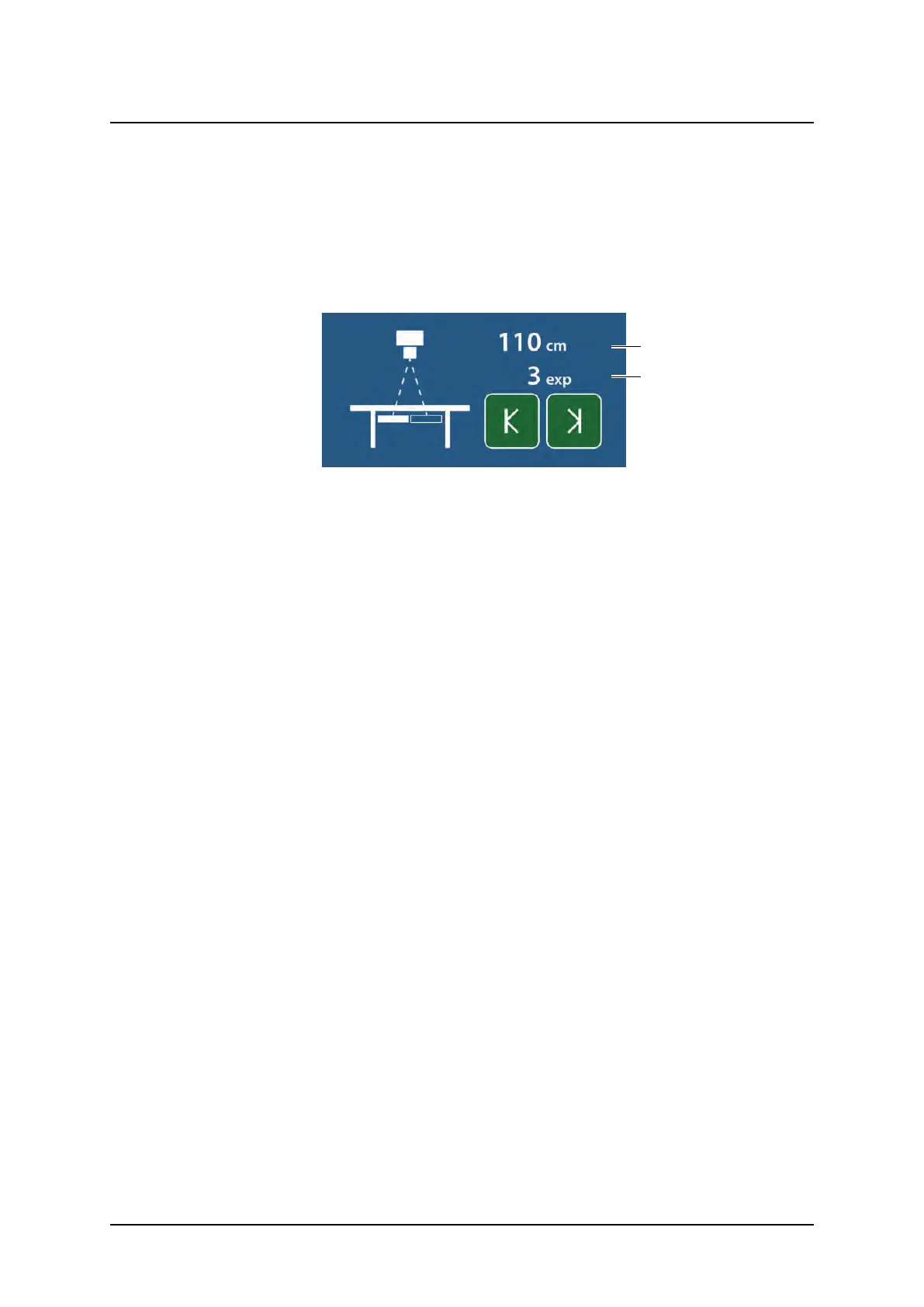
• When both limits have been defined, the total length of the composite image (c), see Fig.
4-30 Left and Right Limits Set.and the number of exposures (d) will be shown.
Fig. 4-30 Left and Right Limits Set.
• The servo mode indication light will be fixed.
Modify the exposure settings if necessary.
Activate the exposure button, and keep it activated during the procedure.
• The starting position is always at the left edge of the composite image. Activate the expo-
sure button and keep it activated until the exposure procedure is completed. The system
will move to the correct starting position.
• When the system is in the correct position for the first image, the first image is captured.
• After exposure, the system will move to the next correct position and the second image will
be captured.
This is repeated until all images for the composite image has been captured.
• The system will beep when the sequence is finished.
Operation Manual
1000-095-051-EN Rev. 1.1 ARCOMA AB
2020-06-16 Page 115 SWEDEN



 To Next Page