Operating the System
Detector, Wallstand
4.11.1.3 Method to Remove the 14x17 Detector, Wallstand
The method of removing the detector from the detector tray is as follows.
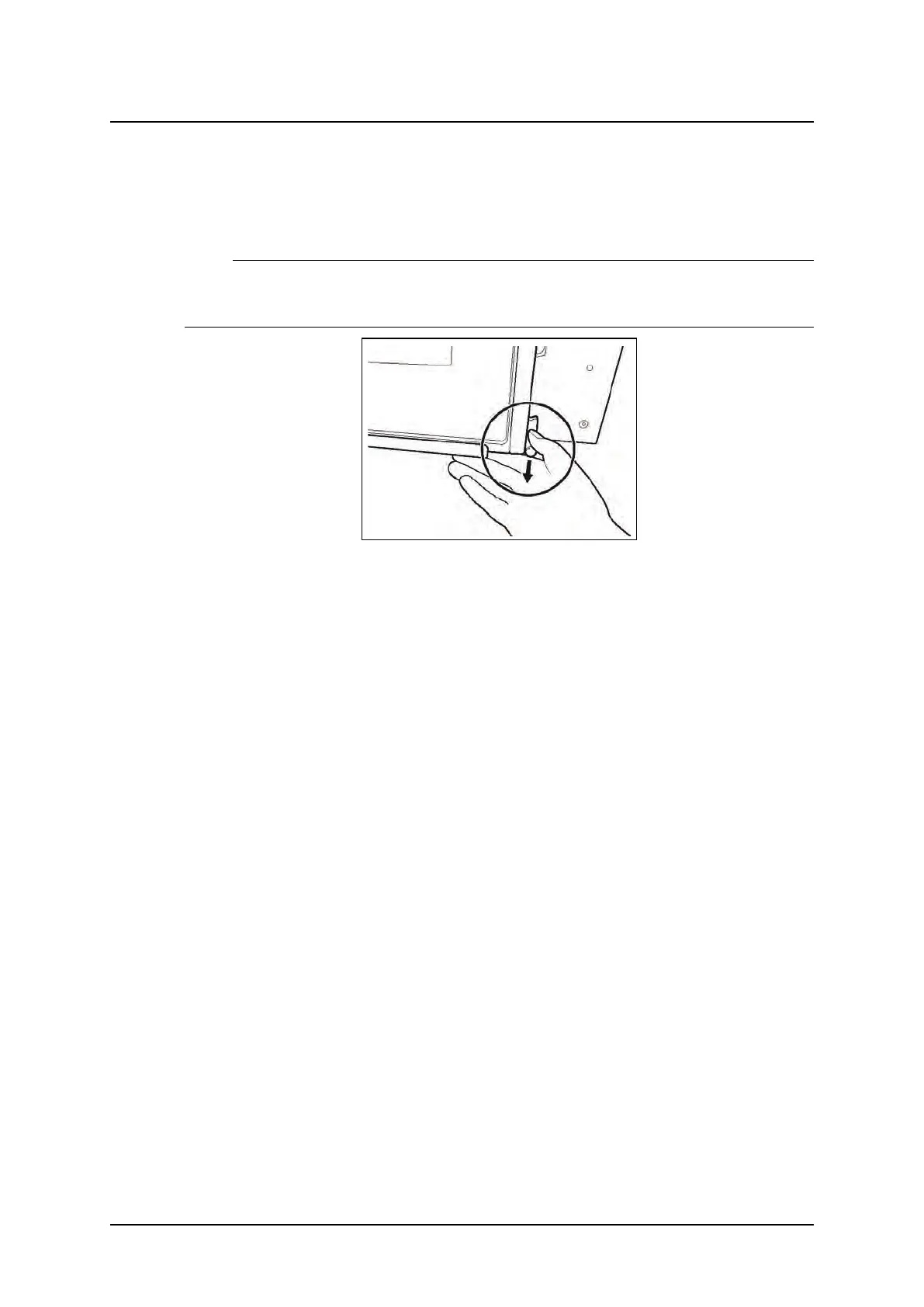
1. To remove the detector, in the step 2 of “Method to set the detector”, unlock the connector
by pulling the latch of the detector tray in the direction of the arrow.
Note!
• Depending on left or right operated Wallstand, the location of the detector tray and position
of button and latches is different.
Fig. 4-38 Unlocking the detector latch
Operation Manual
1000-095-051-EN Rev. 1.1 ARCOMA AB
2020-06-16 Page 125 SWEDEN



 To Next Page