Error Handling
Fault Handling
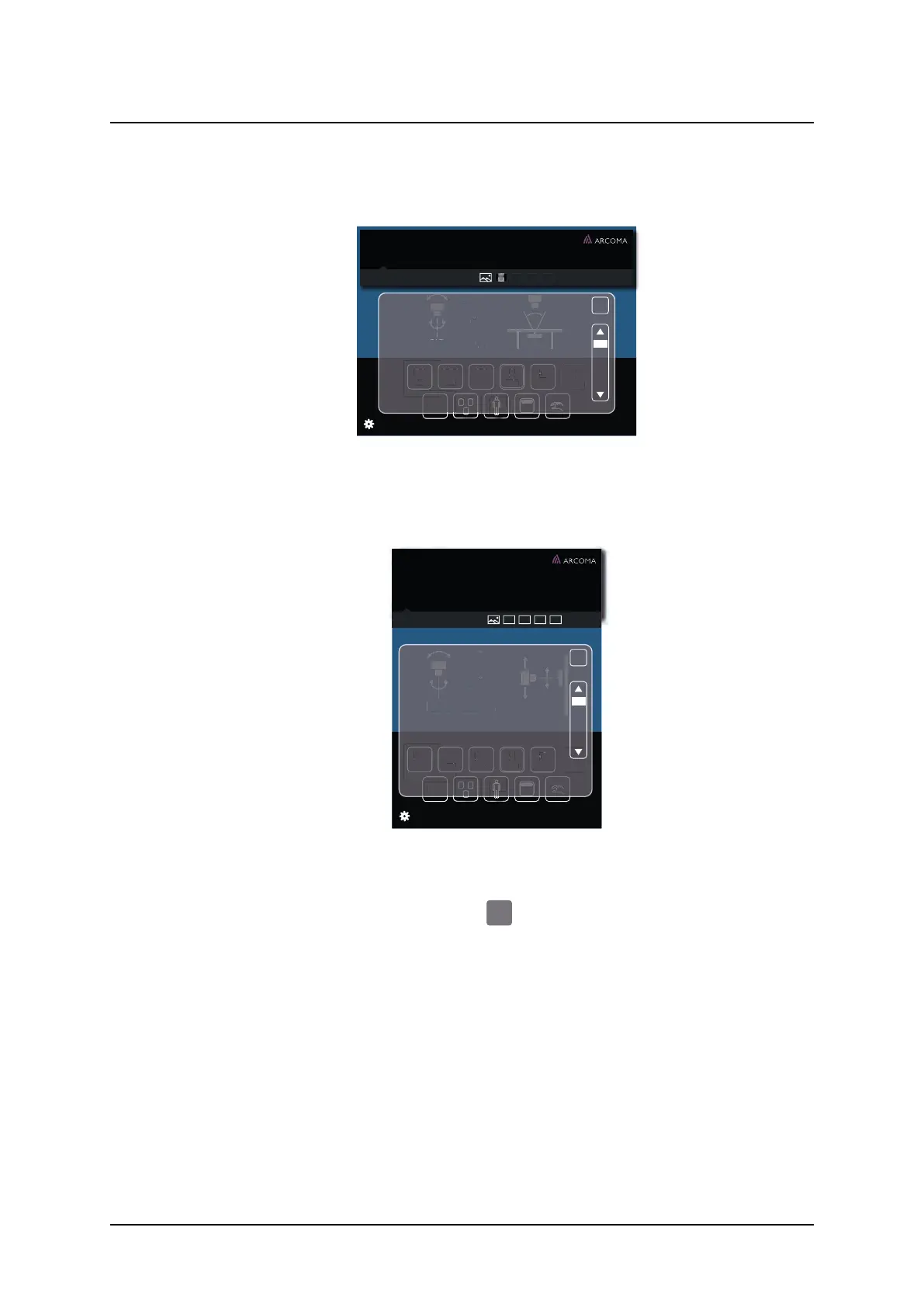
When pushing the Warning information bar, (see Fig. 5-5 Warning information bar, Table and
Fig. 5-6 Warning information bar, Wallstand), a pop-up window will appear (see Fig. 5-7 Pop-
up window — Warning information bar and Fig. 5-8 Pop-up window — Information bar).
60˚
60˚
cm
110
ms
20
mA
250
kV
50
Density
1
+
post mAs
58
mAs
AEC
DoB 1977-03-06
ID 987-65-4320
Hand AP
Age 36 Sex F
Acc No 987-65-4320
Jane Doe
SID
X
Movement stopped, Button
A button was pressed during positioning
causing all movements to stop
If persistent error with no obvious reason,
report problem to service
Fig. 5-7 Pop-up window — Warning information bar
When the user closes the pop-up window, the Warning Information bar will appear again.
The Warning pop-up window will also appear again, when the user pushes the information
bar.
ms
20
mA
250
kV
50
Density
1
+
post mAs
58
mAs
AEC
60˚
60˚
cm
110 DFD
Jane Doe ID 987-65-4320
Knee PA
X
Movement stopped, Button
A button was pressed during
positioning causing all movements
to stop
If persistent error with no obvious
reason, report problem to service
Fig. 5-8 Pop-up window — Information bar
The Warning pop-up window disappears when the user pushes the close button.
Fig. 5-9 Close button
5.1.1.3 Log
The Log file is part of the Setting menu and reached by pressing the gear or the Error/Warn-
ing messenger bars.
ARCOMA AB 1000-095-051-EN Rev. 1.1
Operation Manual
SWEDEN Page 138 2020-06-16



 To Next Page