User Interface
Automatic Collimator Control
When changing from Manual mode to Automatic mode the collimator light / x-ray field size
and filtration is restored to the values that were selected when changing from automatic to
manual mode. Example:
• Automatic mode: Size: 30 cm x 10 cm; filter 1.
• Changes to Manual mode. Changes: Size: 30 cm x 20 cm, filter 2.
• Changes back to Automatic mode: Size 30 cm x 10 cm, filter 1.
When a new patient is selected Automatic mode is automatically activated.
3.2.1.2 Collimator filtration selection
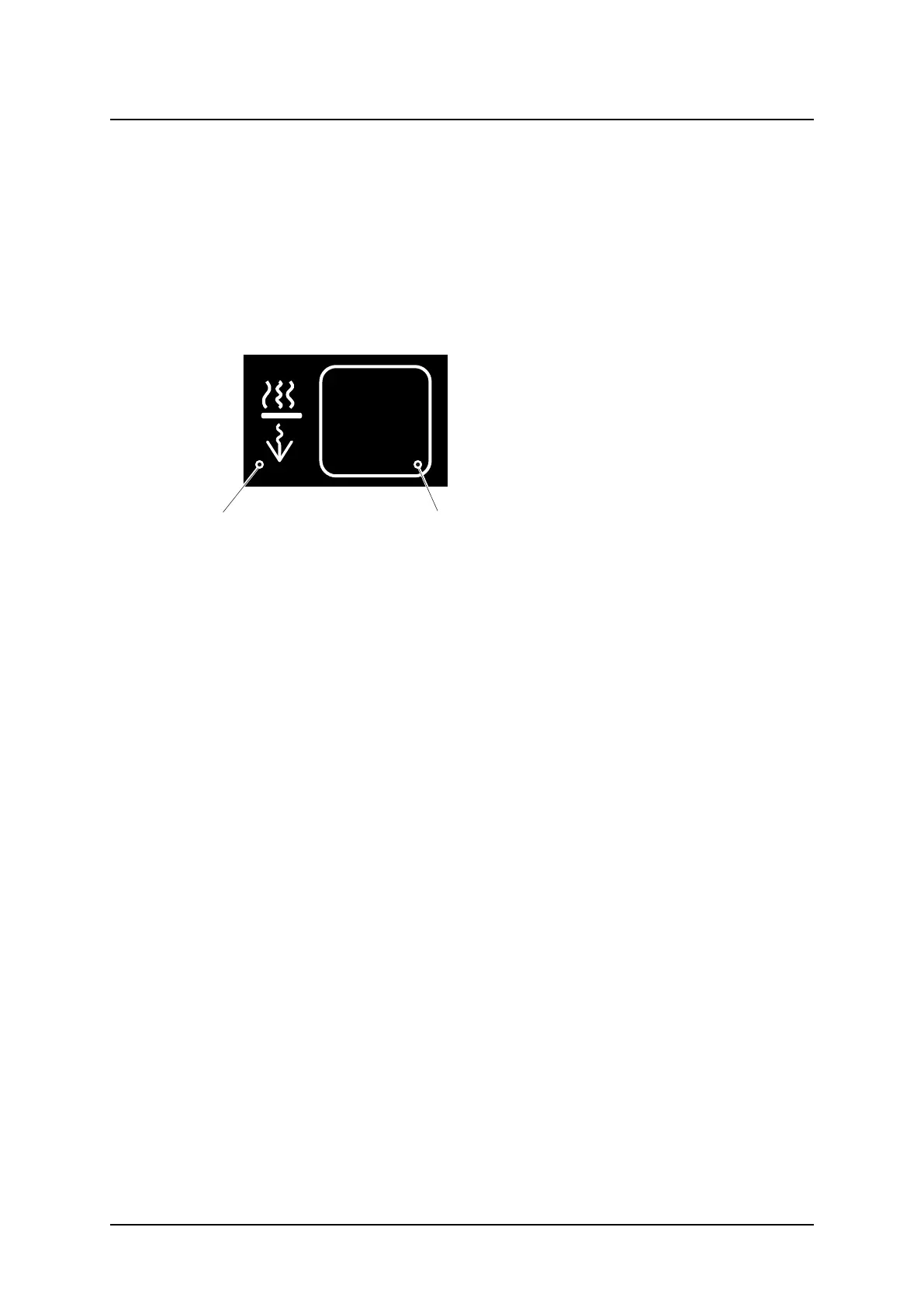
The user can change the selected value
from the display.
1. Collimator filtration selection icon
2. Collimator filtration selection values
3.2.1.3 Collimator filters
The collimator filter options are:
• No added filtration
• Filter 1 =1 mm Al + 0.1 mm Cu
• Filter 2 =1 mm Al + 0.2 mm Cu
• Combined: 2 mm Al + 0.3 mm Cu
The filters can be predefined in the anatomical protocol and also be changed if needed
3.2.1.4 Laser
The laser can be switched off by applying a mechanical cover over the laser. The cover is
available underneath the collimator.
3.2.1.5 Collimator functionality - system
When the OTC moves in a direction that changes the SID, the collimator starts to compen-
sate the field size. The collimator light field size on the imaging unit is held constant with
changing SID.
When the OTC is tracking against the Wall stand or when the table top is released, the colli-
mator light automatically will be turned on. This will make it easier to directly find the correct
stand and patient position.
In Free mode/Auto position mode the position of the detector is unknown for the System.
The indicated size of the light field is correct at the shown SID.
ARCOMA AB 1000-095-051-EN Rev. 1.1
Operation Manual
SWEDEN Page 44 2020-06-16



 To Next Page