User Interface
Automatic Collimator Control
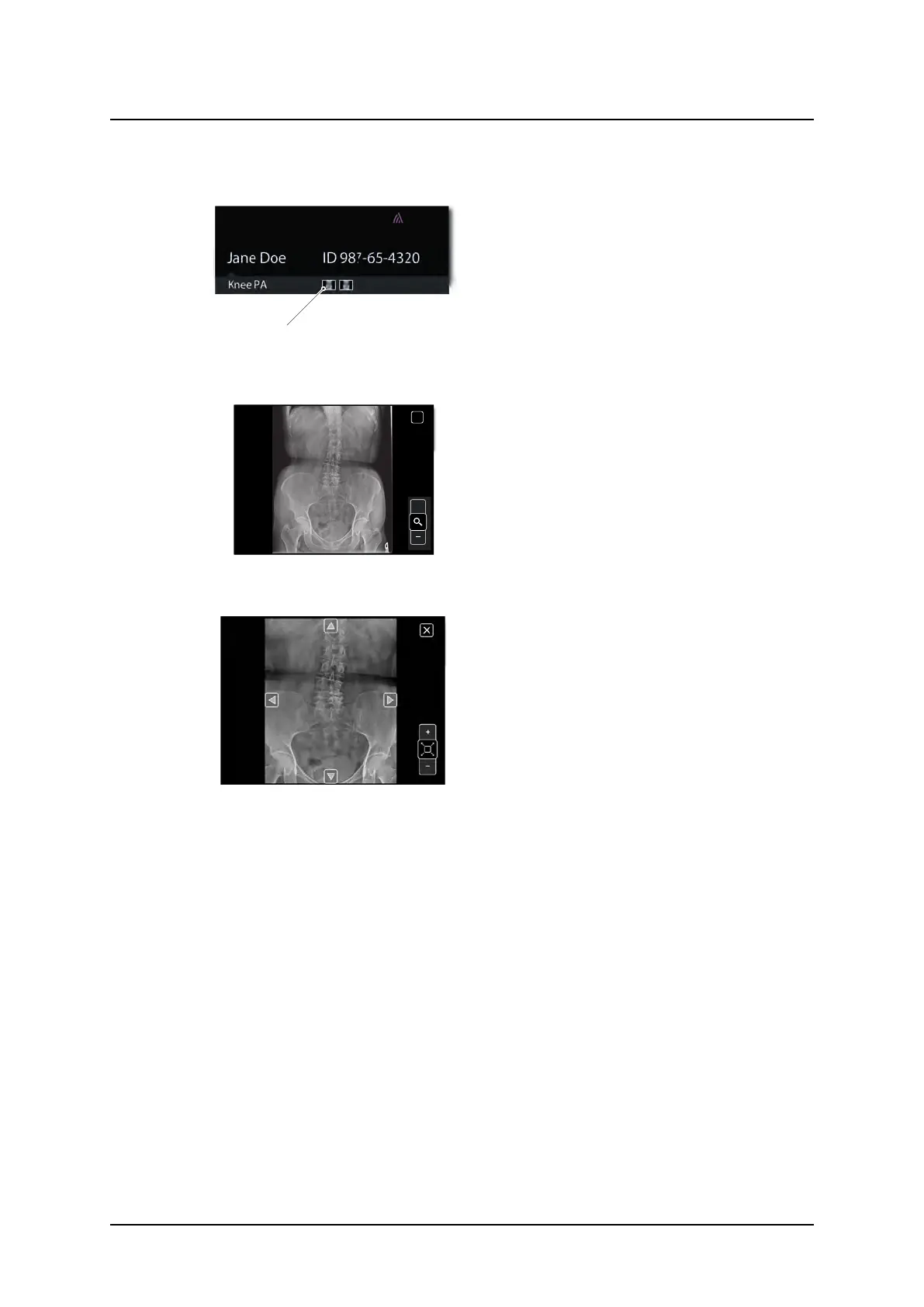
It is possible to select if a Preview image shall be shown on the touchscreen display or not.
Fig. 3-14 Preview image displayed
If preview is selected, a small preview im-
age, see Fig. 3-14 Preview image dis-
played, is shown on the touchscreen
display when an exposure is performed.
Touch the small image on the display, and
the image is shown as a large image.
60˚
60˚
cm
110
ms
20
mA
250
kV
50
Density
1
+
post mAs
58
mAs
AEC
Jane Doe ID 987-65-4320
Hand PA
+
X
Fig. 3-15 Preview image enlarged
By touching the zoom button +/-, it is possi-
ble to zoom in and out, in the image.
Fig. 3-16 Zooming In/Out
The arrows appearing in the image are
used to pan in the image.
ARCOMA AB 1000-095-051-EN Rev. 1.1
Operation Manual
SWEDEN Page 52 2020-06-16



 To Next Page