User Interface
Automatic Collimator Control
3.2.9.1 Selection of Active AEC Field (AEC Mode Only)
The AEC field selection button is available in AEC mode.
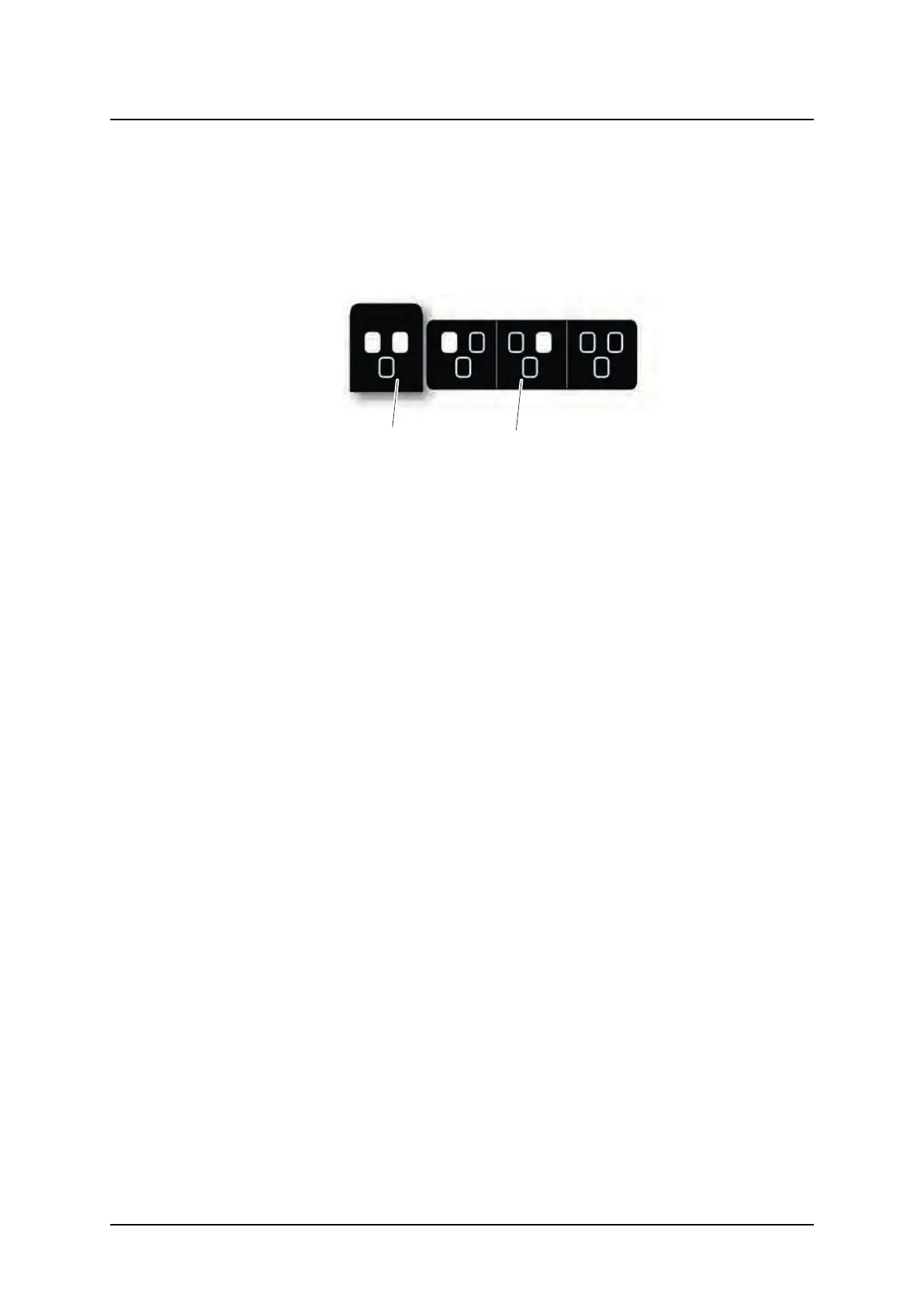
When selecting the AEC field button, a pop-up-window with the different AEC fields accord-
ing to Fig. 3-26 AEC field selection, will appear. The AEC fields are activated by a selection
in the pop-up window to the right (2). All activated AEC fields will be shown in the left picture
(1). AEC fields are deactivated by selecting them again in the pop-up window (2).
Fig. 3-26 AEC field selection
ARCOMA AB 1000-095-051-EN Rev. 1.1
Operation Manual
SWEDEN Page 62 2020-06-16



 To Next Page