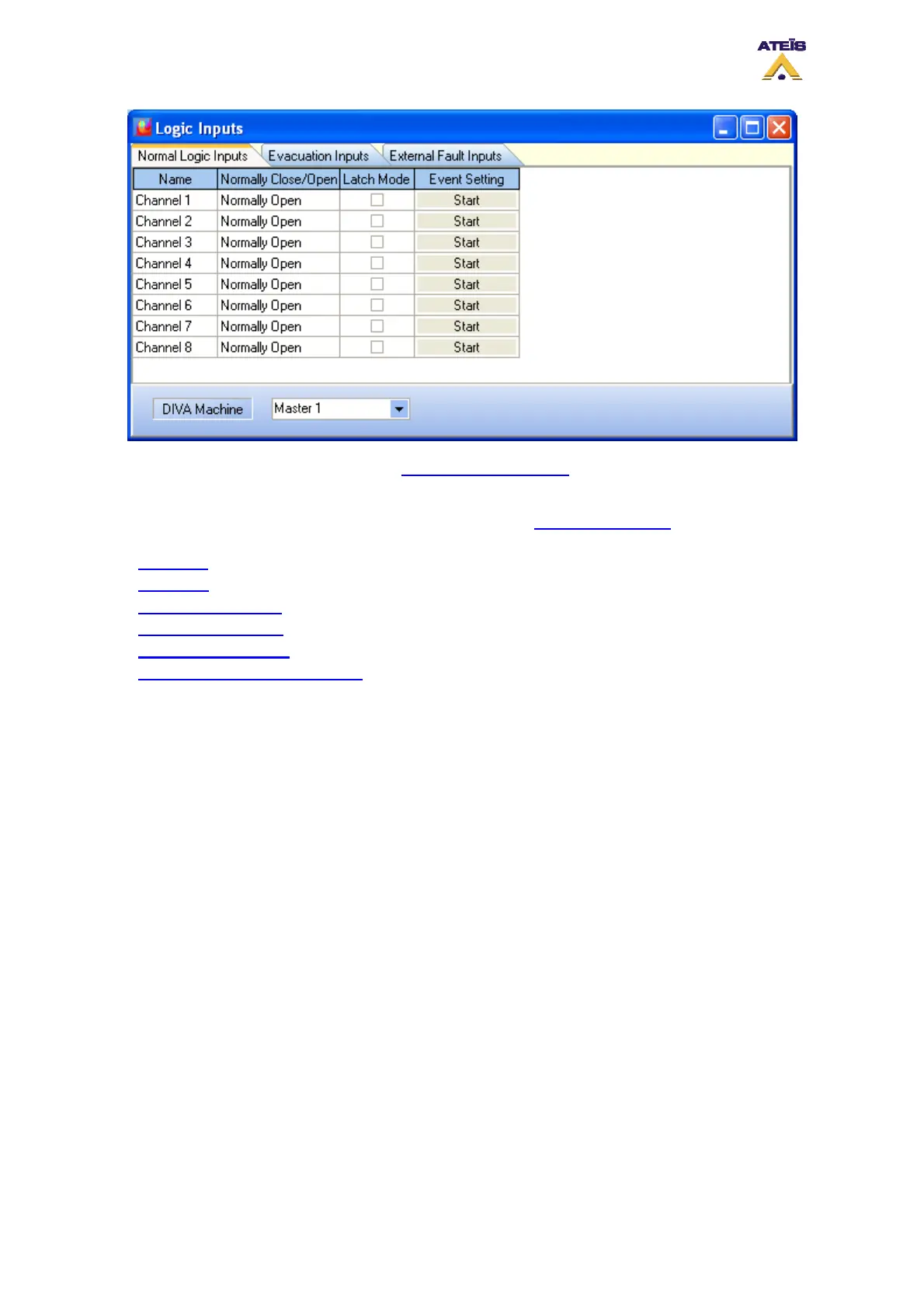
To learn more about the Logic inputs, see How to Use Logic Inputs
.
The idea is to use logical trigger to start an event. Event type for operation on music are listed below.
You can find more information on those events in the chapter How To Use Events
.
• Music On
• Music Off
• Music On By Zones
• Music Off By Zones
• Toggle Music On/Off
• Toggle Music On/Off by Zones
In order to associate a event to a logic input trigger, click on the "Start" button under "Event Setting".
The Events Selection window will be open, see below.
Ateïs International
Ch. du Dévent, 1024 Ecublens, Switzerland.
Phone : +41 21 881 25 10
92



 To Next Page