4: Element Operations • 47
©2008 Axia Audio — Rev. 3.0
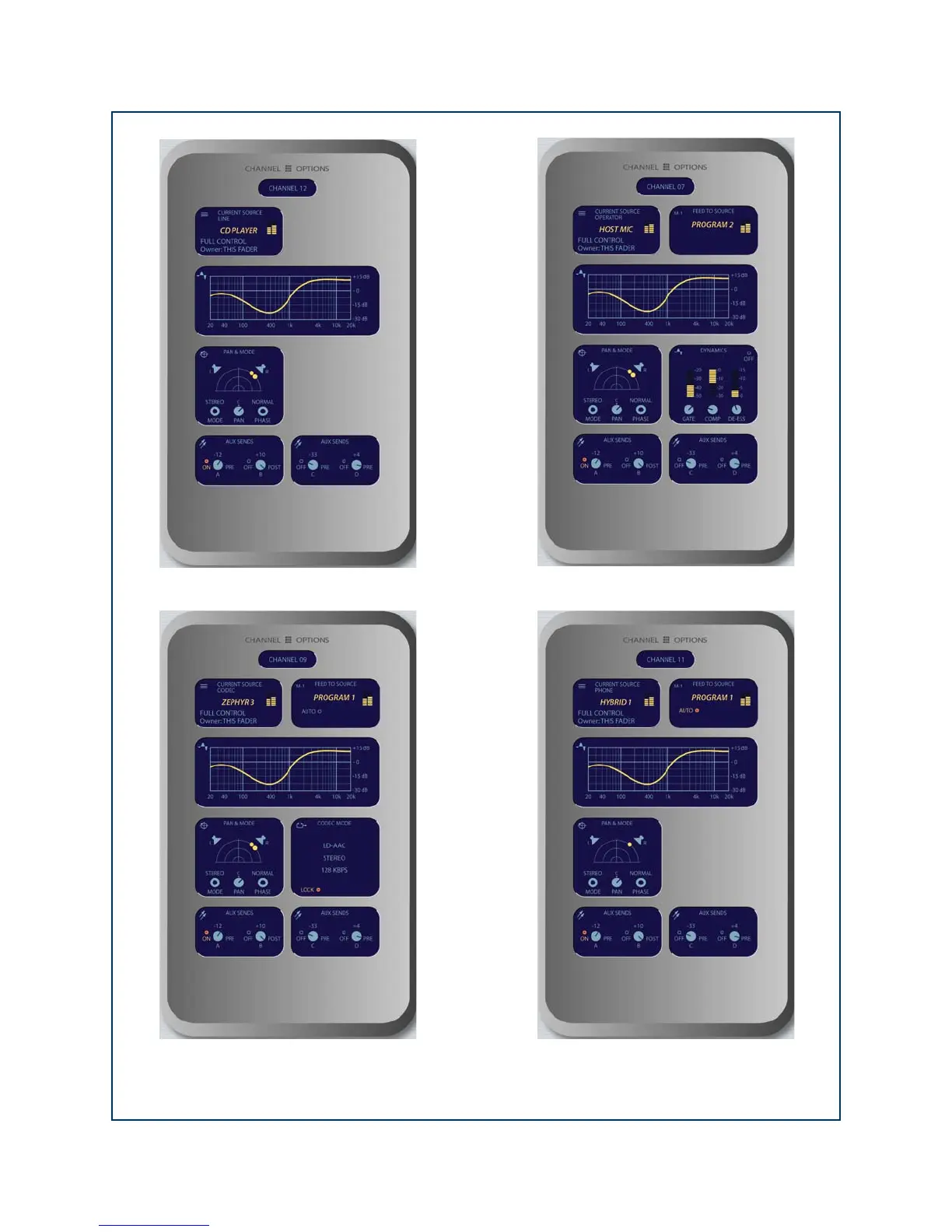
Figure 4-6: Channel Options screens. Information displayed differs based on the type of source currently assigned to the
active fader. Shown clockwise from top left: Line Source Channel Options screen, Mic Source Channel Options screen,
Phone Source Channel Options screen, Codec Source Channel Options screen.



 To Next Page