99
Chapter 19 - Reports
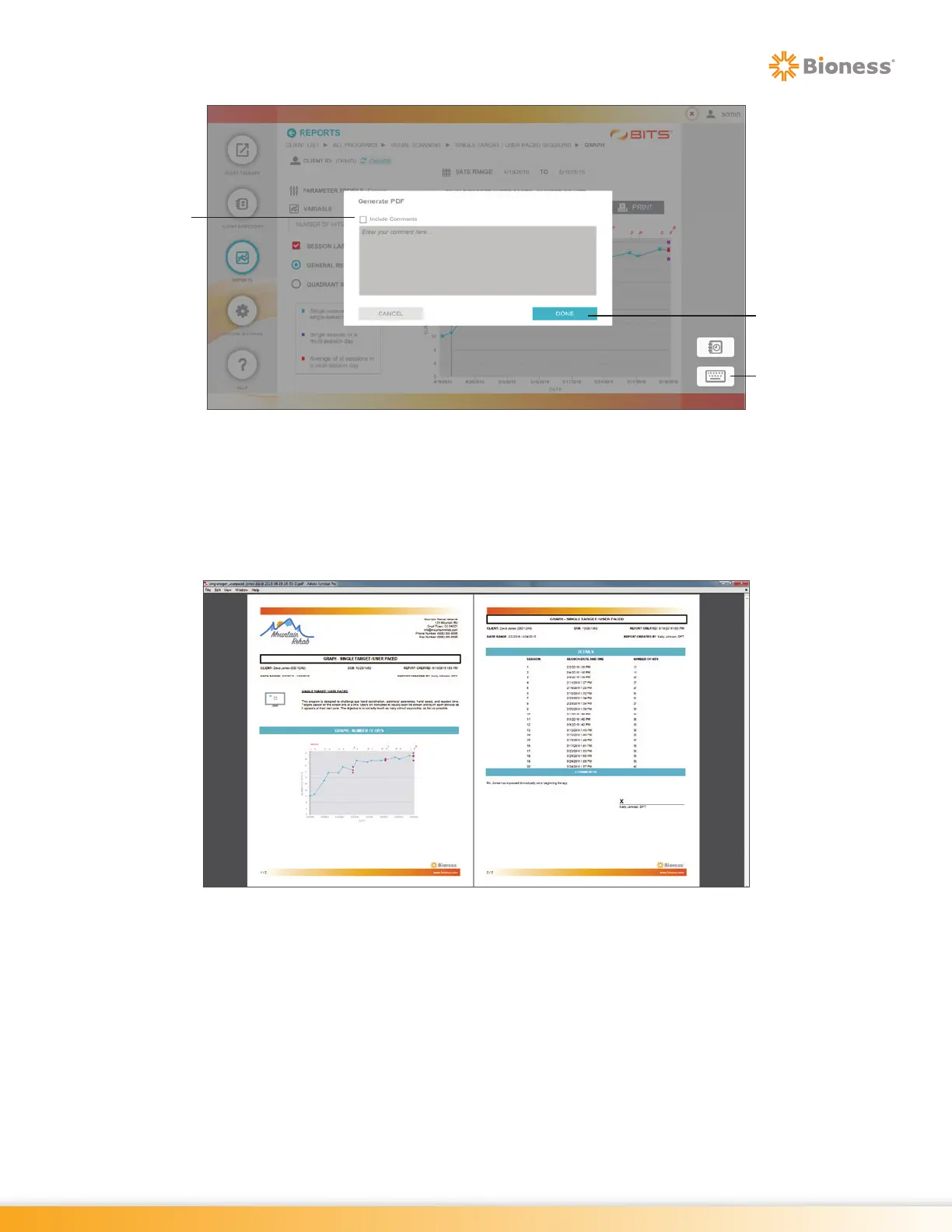
Figure 19-16: Generate PDF Pop Up Window
3. The Adobe Reader Program will launch and a pop up window will open displaying the PDF Report.
See Figure 19-17. The report is automatically saved to the folder “C:\users\BITS\Documents\BITS
PDF Reports\Graphs”. The file name will include the name of the Therapy Program, the Client
Name, and the date and time at which the Therapy Session was performed. The PDF Report can
be printed to a hard copy using a USB connected printer.
Figure 19-17: Graph Print Preview Screen, Example
Done
Button
Keyboard
Icon
Include
Comments
Box



 To Next Page