109
Chapter 19 - Reports
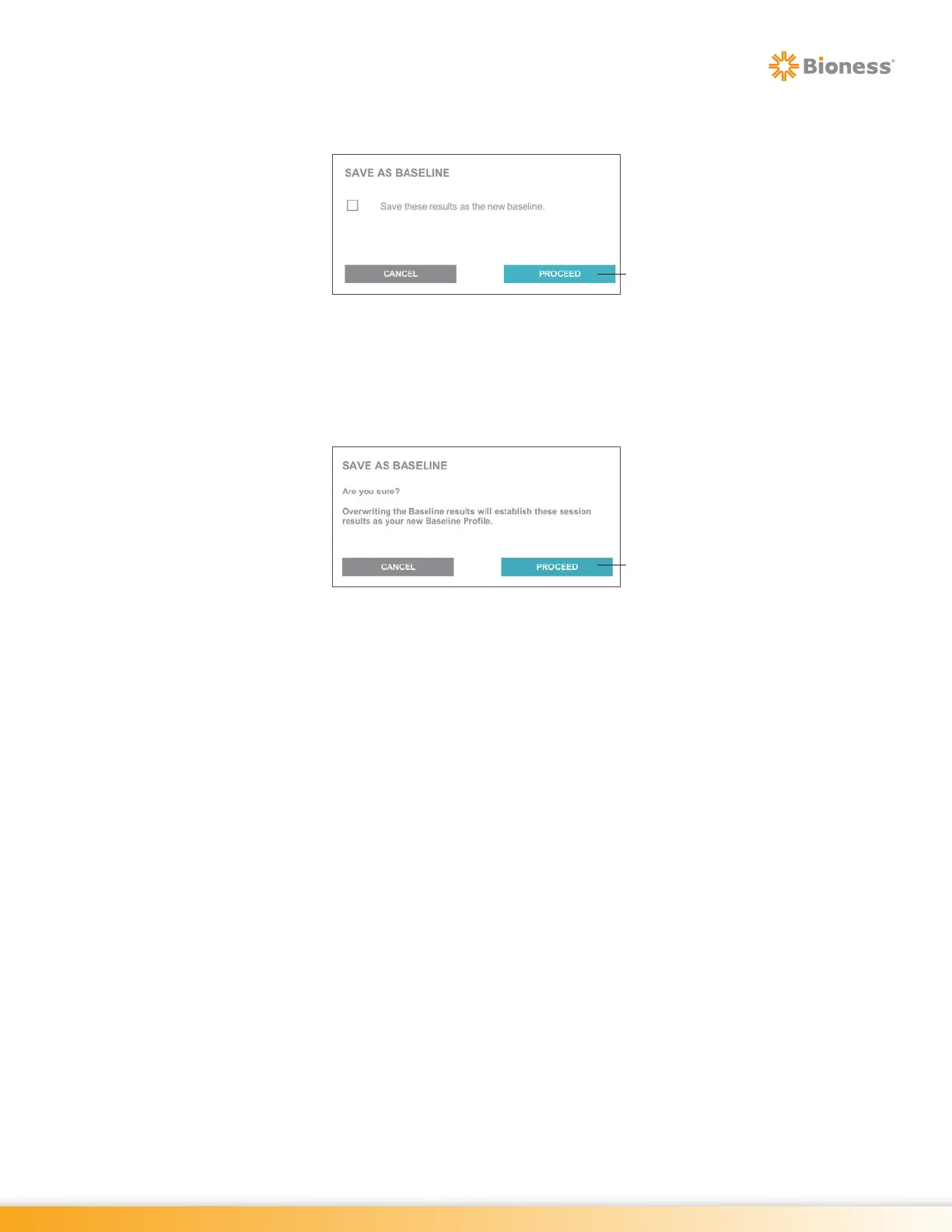
3. The Save As Baseline dialog window will open. Select the check box next to the statement, “Save
these results as the new baseline.” Press the Proceed Button. See Figure 19-23.
Figure 19-23: Baseline Overwrite Dialog Window
4. The dialog window will display the following statement, “Are you sure? Overwriting the Baseline
results will establish these session results as your new Baseline Profile. Previously saved Baseline
session results will no longer be comparable for this program.” See Figure 19-24. To overwrite the
baseline, press the Proceed Button.
Figure 19-24: Baseline Overwrite Confirmation Dialog Window
Proceed Button
Proceed Button



 To Next Page