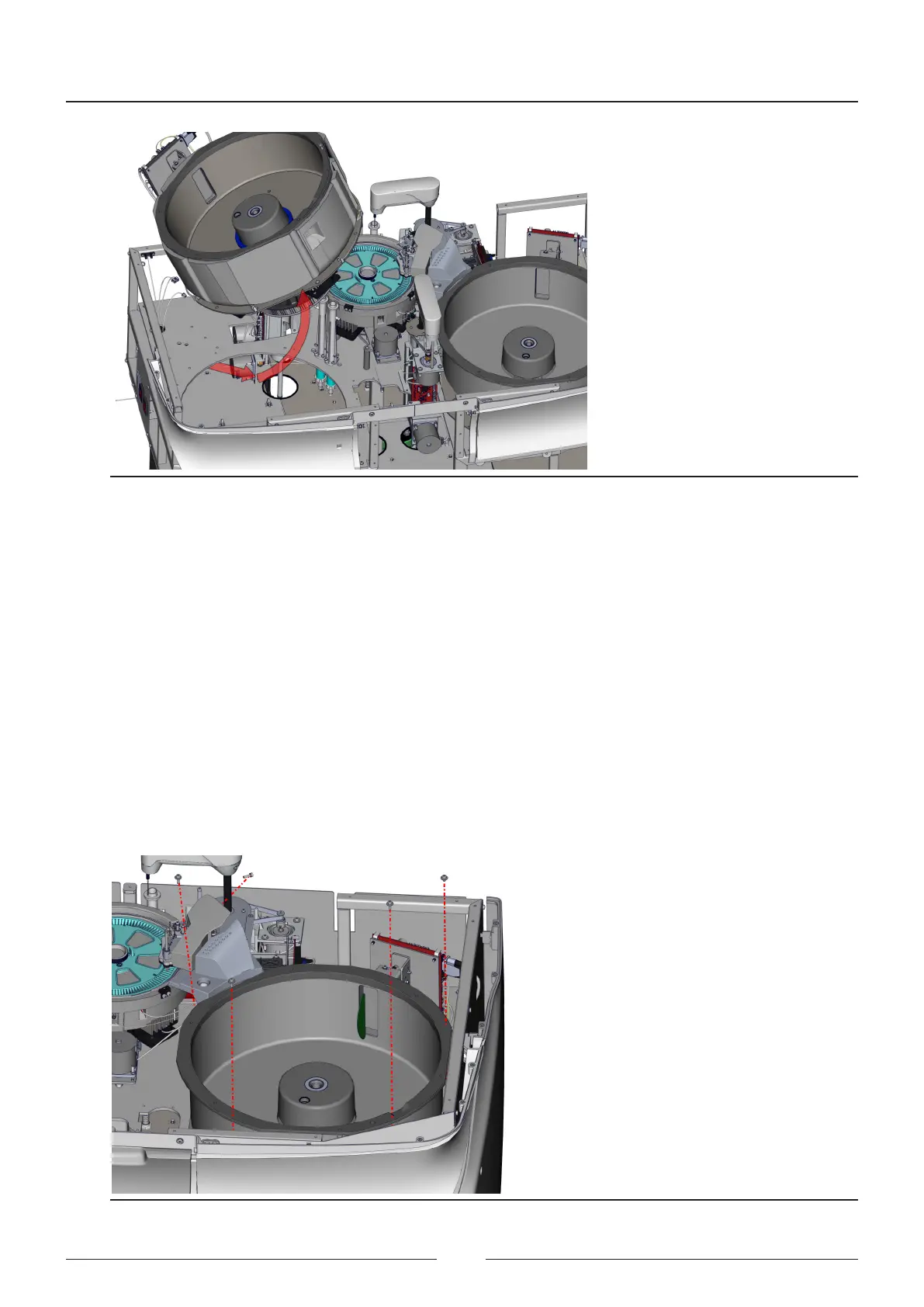
Figure 8.39 Movements required to take the rotor out of the analyser
8.4. Dismantling the sample rotor
1. Remove the top cover.
See chapter 8.1.6
2. Unplug the 2 fans connected to the CIIM00052 board
3. Unplug the CAN cable.
4. Remove the sample arm
See chapter 8.2
5. Loosen the 4 screws securing the rotor assembly to the base. See Figure 8.9
6. Loosen the screw that secures the wash station housing
7. Disconnect all the wash station tubes and take them from the housing
8. Remove the rotor assembly and follow the steps indicated in Figure 8.10 to take the rotor out of the analyser.
Figure 8.40 Movements required to take the rotor out of the analyser
Service Manual
102



 To Next Page