Element Description
Sample cover Indicates the status of the sample cover
Reaction cover Indicates the status of the reaction cover
Connected Indicates the status of the analyser connection with the programme
6.2. Programme initialisation
To start up the programme, double click on the icon located on the desktop:
or execute the programme from the following route:
Start/All Programmes/Biosystems/BA400 Service
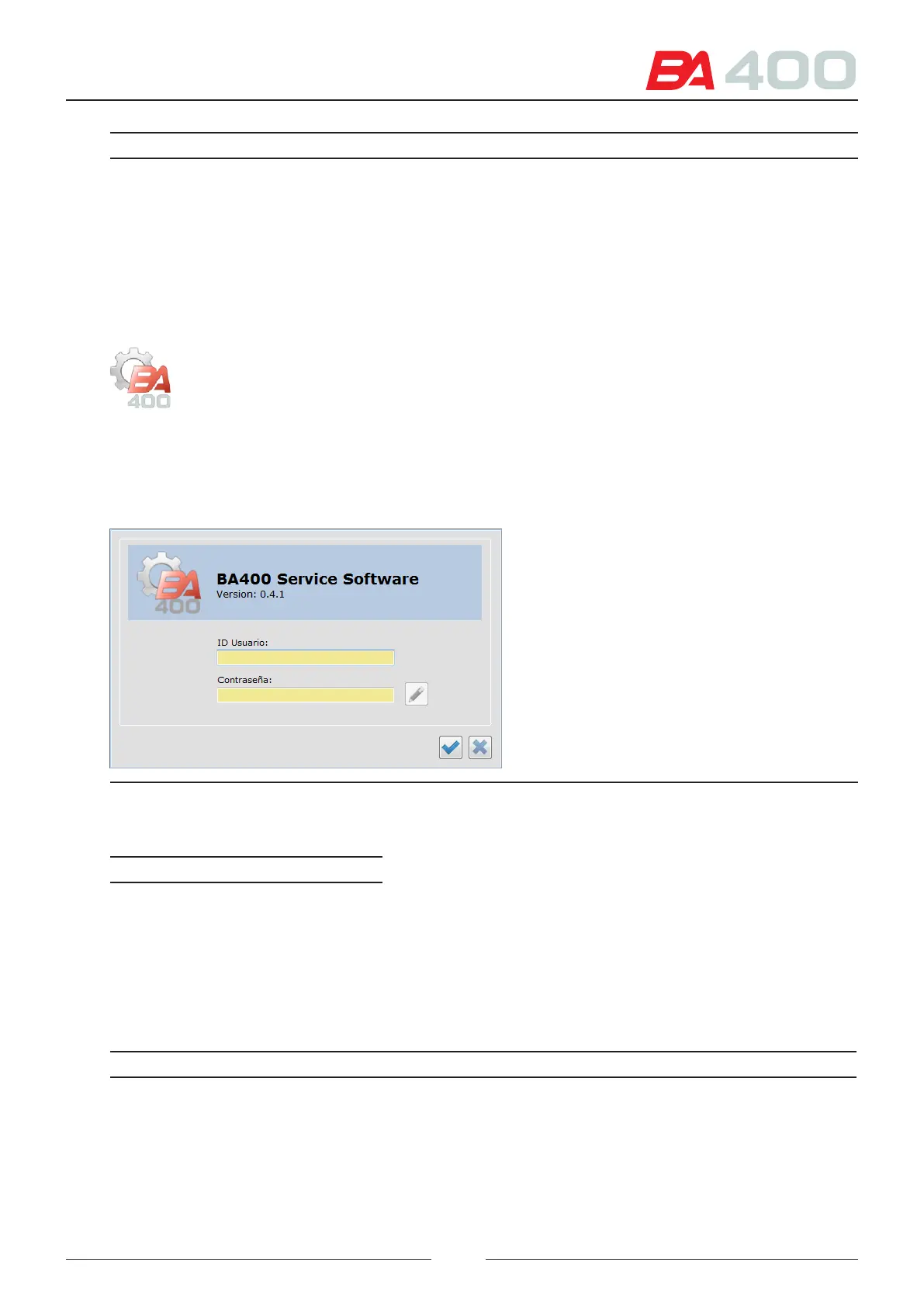
When the programme is started a welcome screen is displayed and then the screen for identifying the user, as shown
in Figure 6.3
Figure 6.5 Home screen
Enter the username and password to access the programme.
Field Value
Username SERVICE
Password BA400
6.3. Description of the menus
e following chart shows the content of each programme menu
Menu Name Description
Setup It gives acccess to the dierent programme setup options
• General
• Language
• Barcode
• Users
69



 To Next Page