8.6. ISE module installation
e ISE module is optional. To install the ISE module, proceed as follows:
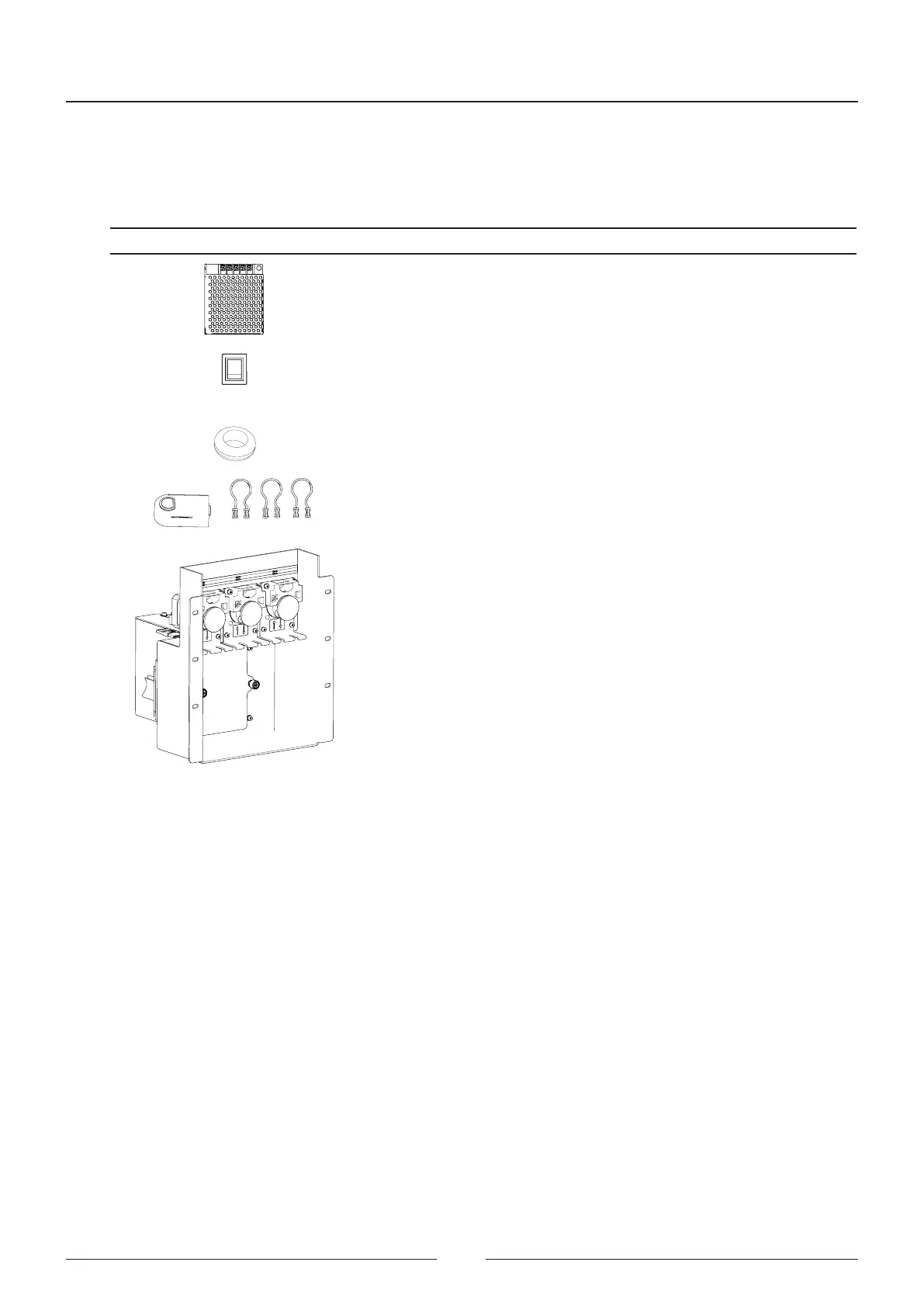
e spares content is as follows:
Component Description
Power supply
Switch
Cabling
Cable gland
Connector and tubes
ISE module
1. Remove the side housings.
2. Remove the top cover. Remove from the cover the opening plug for dispensing the ISE module sample(8). See
Figure 8.14
3. Dismantle the top front housings together with the ISE cover (7)
4. Dismantle the switch assembly (2). See Figure 8.12
5. Remove the switch cover (1)
6. Insert the ISE switch.
7. Connect the power cable to the switch.
8. Close the switch assembly with the protective cover (3) and put it back in place. See Figure 8.13.
Service Manual
104



 To Next Page