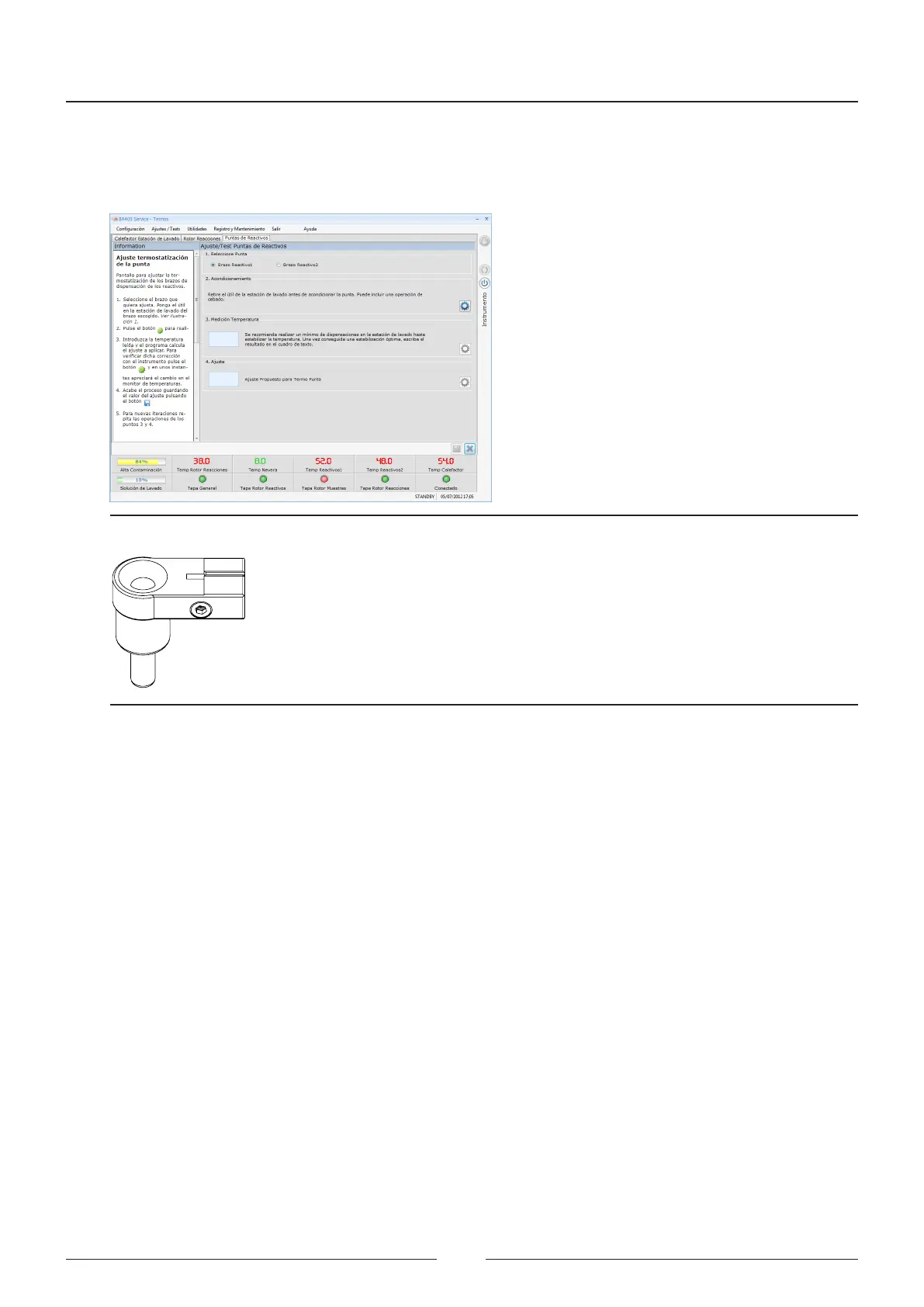
Consult AIII to see the accepted ranges in adjusting the tip thermostatting.
7. Save the adjustment value.
Figure 6.25 Screen for adjusting the tip thermostatting
Figure 6.26 Tool for adjusting the tip thermostatting
6.5.6. Barcode reader adjustment
is screen allows you to adjust the positioning of the barcode reader.
See Figure 6.25
1. First select the barcode reader you want to adjust.
2. Remove the cover and place a tube or well with a barcode in position 1 of the rotor, to obtain the reference of
the beam to be adjusted.
3. Move the rotor step by step with the adjustment box until the reader beam is properly centred on the barcode.
4. Save the adjusted value.
5. Check in section 3 that the reader receives the readings correctly. e indicated value must be higher than 95%.
6. To perform the barcode reader test, place several tubes or bottles in the chosen reader rotor and press the test
button of section 4. e table will show the codes of the bars read and the positions in which the tubes/bottles
were placed.
Service Manual
86



 To Next Page