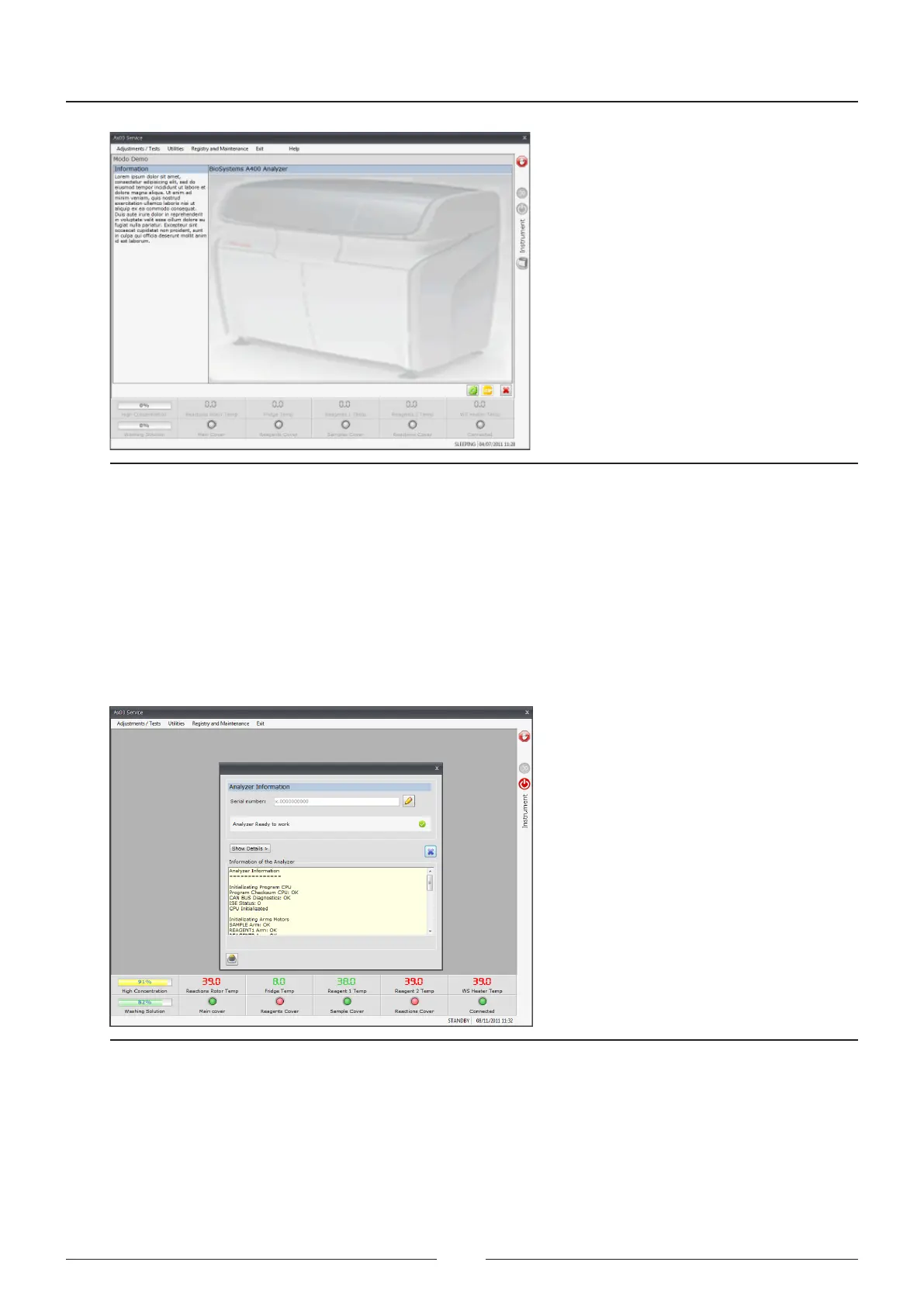
Figure 6.29 Demo mode screen
6.6.2. Analyser information
is screen allows you to input or change the analyser serial number.
Press the edit button to change the serial number.
It also performs the same verication process as the one performed by the analyser when being initialised.
Press the “show details” button to see the dierent steps executed in the verication process.
Figure 6.30 Analyser information screen
Service Manual
90



 To Next Page