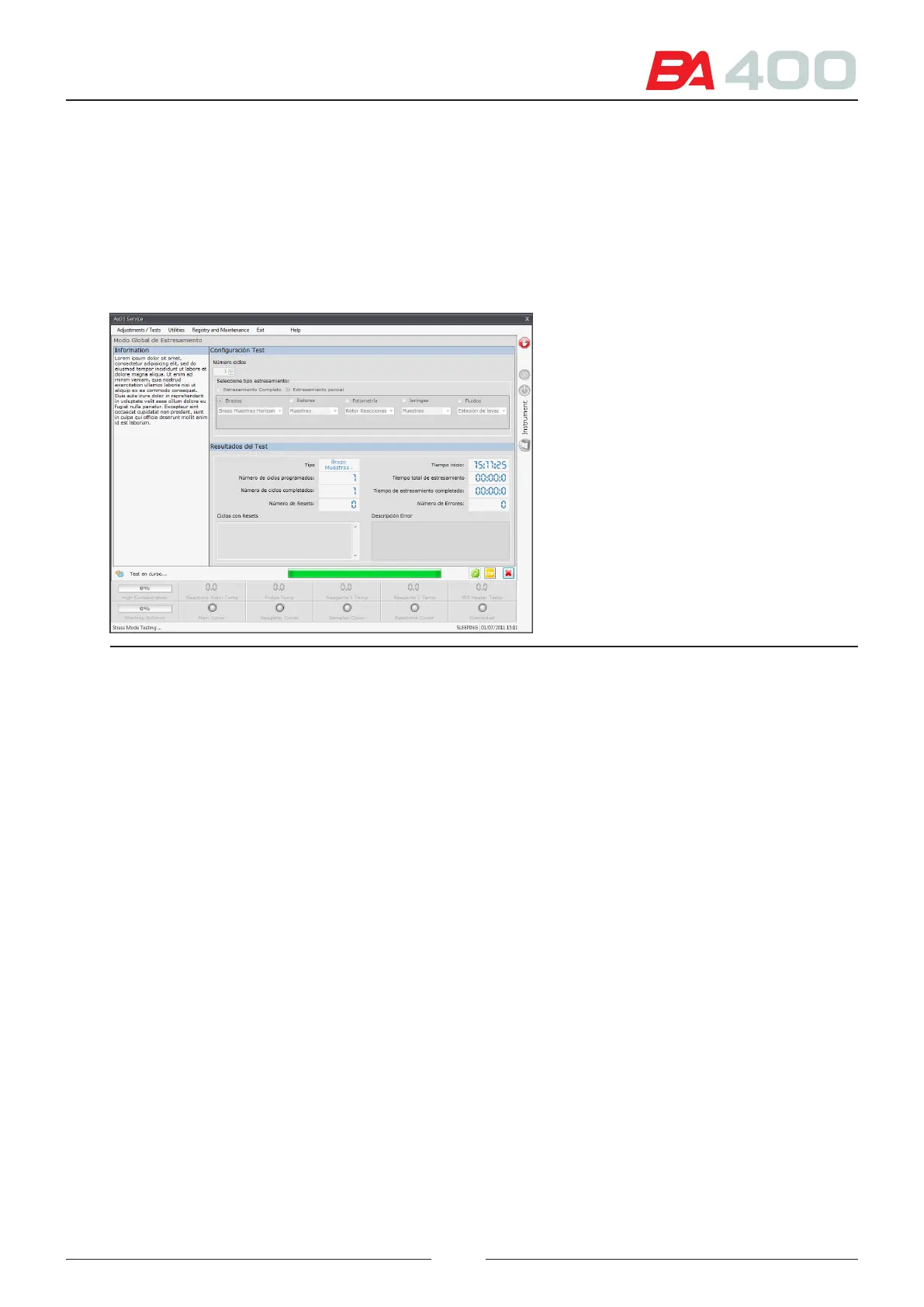
c) Number of cycles completed
d) Number of restarts and cycle in which the restart was executed. is serves to verify whether a power cut
occurred in the stress with very long durations.
e) Number of errors and description of the error. After a certain number of cycles the analyser performs
an internal check to detect whether there are any problems in its operation. For instance, it counts the
number of steps in each motor to check that no step has been lost. If any problem is detected, this is
shown in the error box.
Figure 6.28 Stress screen
6.6. Utilities
6.6.1. Demo mode
Enables the analyser to be put in demo mode. is mode performs the basic pipetting and dispensation cycle, which
entails a movement of the arms and rotors but no processing of uids or photometric readings.
Press the adjustment button to start the demo mode
e analyser will continue performing the demo mode until the stop button is pressed.
89



 To Next Page