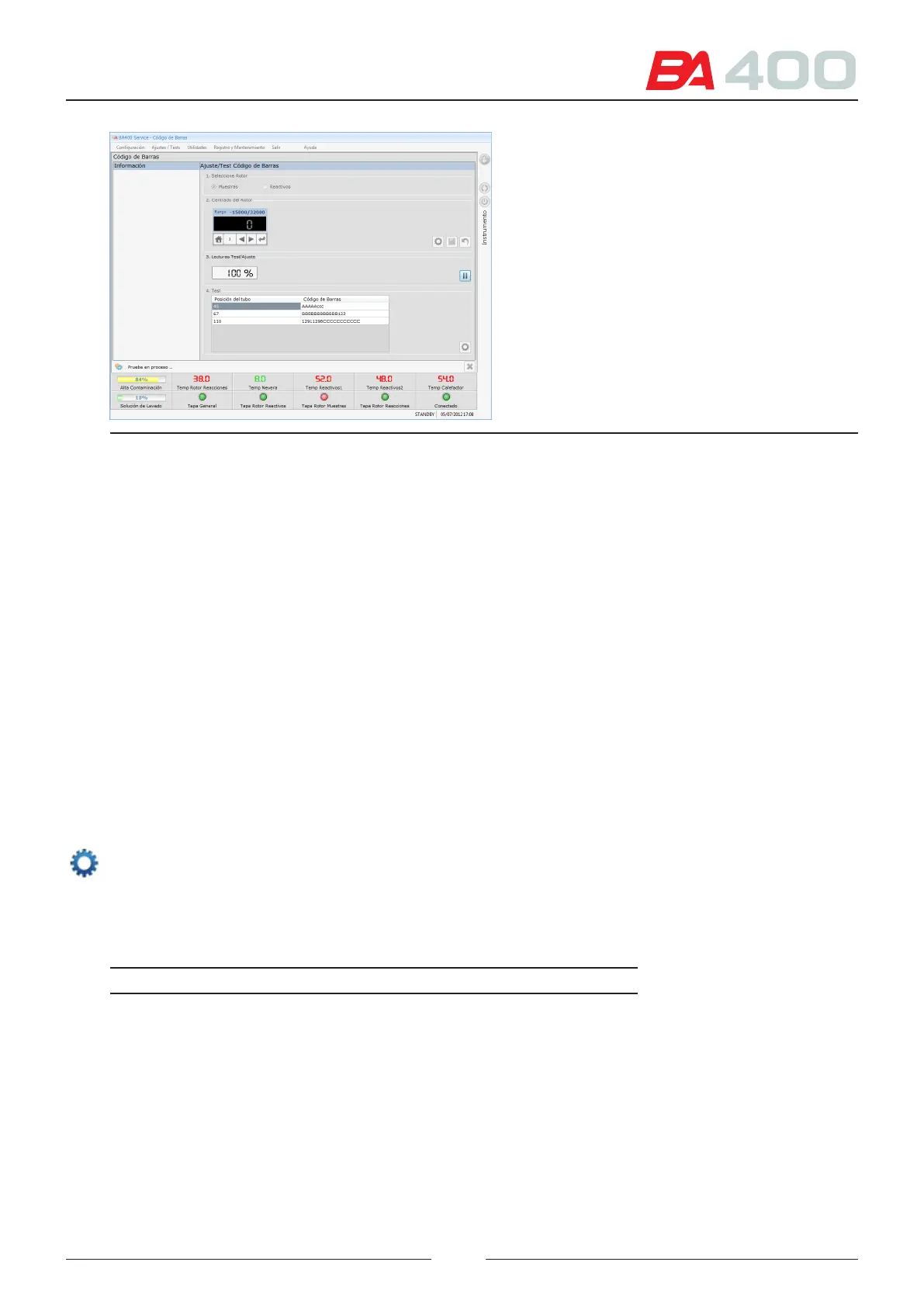
Figure 6.27 Barcode reader adjustment screen
6.5.7. ISE module
is menu is used to launch the dierent maintenance actions required for the ISE module.
e following functions can be executed:
• Calibrate
• Install a reagent kit
• Install the electrodes
• Deactivate the module for a long period of time
• Change the peristaltic pump tubes
• Activate the ISE preparations
For each function several actions must be executed. Select one of the functions and show the set of actions to be
executed step by step.
See the explanation of each step in detail in chapter14.2.2 of the user manual.
Select an action and press the execute button. Information about the action will appear in the results zone. It will
say whether the action was successfully completed (the text is shown in black) or has errors (the text is shown in
red). e results are shown in the actions that return information, such as calibrations.
In addition each of the actions is positioned in a group under the name General; if the user only wants to perform
one of the actions, that user can launch it directly.
Action Description
Maintenance Empties the tubes. Only activates the waste pump. In
the repetitions parameter indicate how many times the
action must be executed.
Bleed A Performs a priming cycle with calibration standard A
using a volume of 100 μL. In the repetitions parameter
indicate how many times the action must be executed.
Bleed B Performs a priming cycle with calibration standard B
using a volume of 100 μL. In the repetitions parameter
indicate how many times the action must be executed.
87



 To Next Page