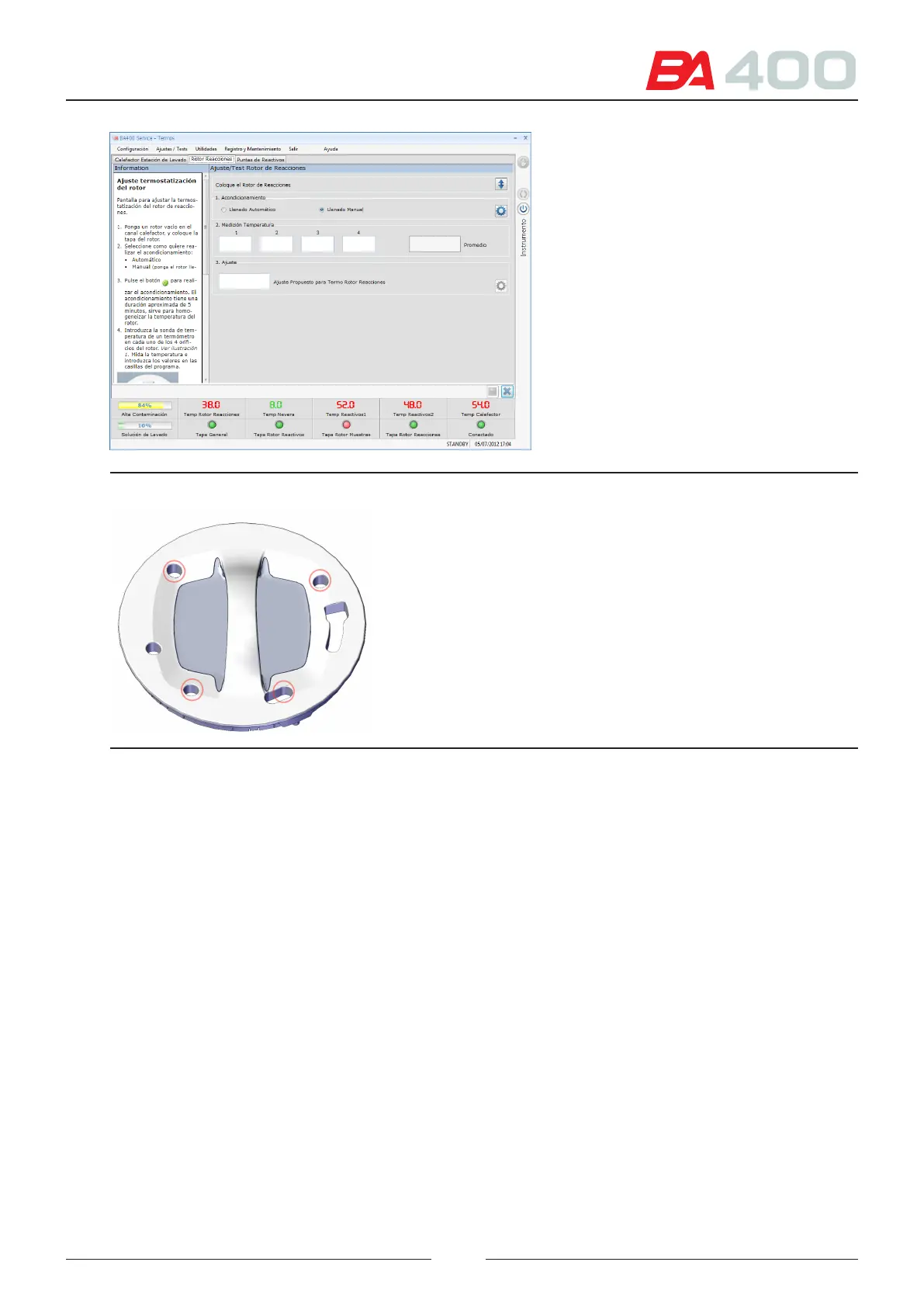
Figure 6.23 Rotor thermostatting adjustment screen
Figure 6.24 Reaction rotor measuring points
6.5.5.3. Adjusting the tip thermostatting
Reagent tips R1 and R2 suction the reagents from the fridge. Before dispensing the reagent in the rotor, it is ther-
mostatted to a temperature that is closer to that of the rotor. e thermostatting of each arm is adjusted in this screen.
See Figure 6.23
Follow the steps to execute the adjustment process:
1. Select the arm in which the adjustment is to be made.
2. Press the adjustment button of section 2 to execute a uidic conditioning of the tip.
3. Place the temperature measuring tool and thermometer sensor in the tip wash station.
See Figure 6.24
4. Press the adjustment button of section 3 for the analyser to dispense a volume of water in the wash station.
5. Enter the value of the temperature measured in the box of section 3. Perform several dispensation cyclces to
verify that the temperature is stable.
6. Press the adjustment button of section 4 to change the regulation system password if the value measured is out
of the ranges.
85



 To Next Page