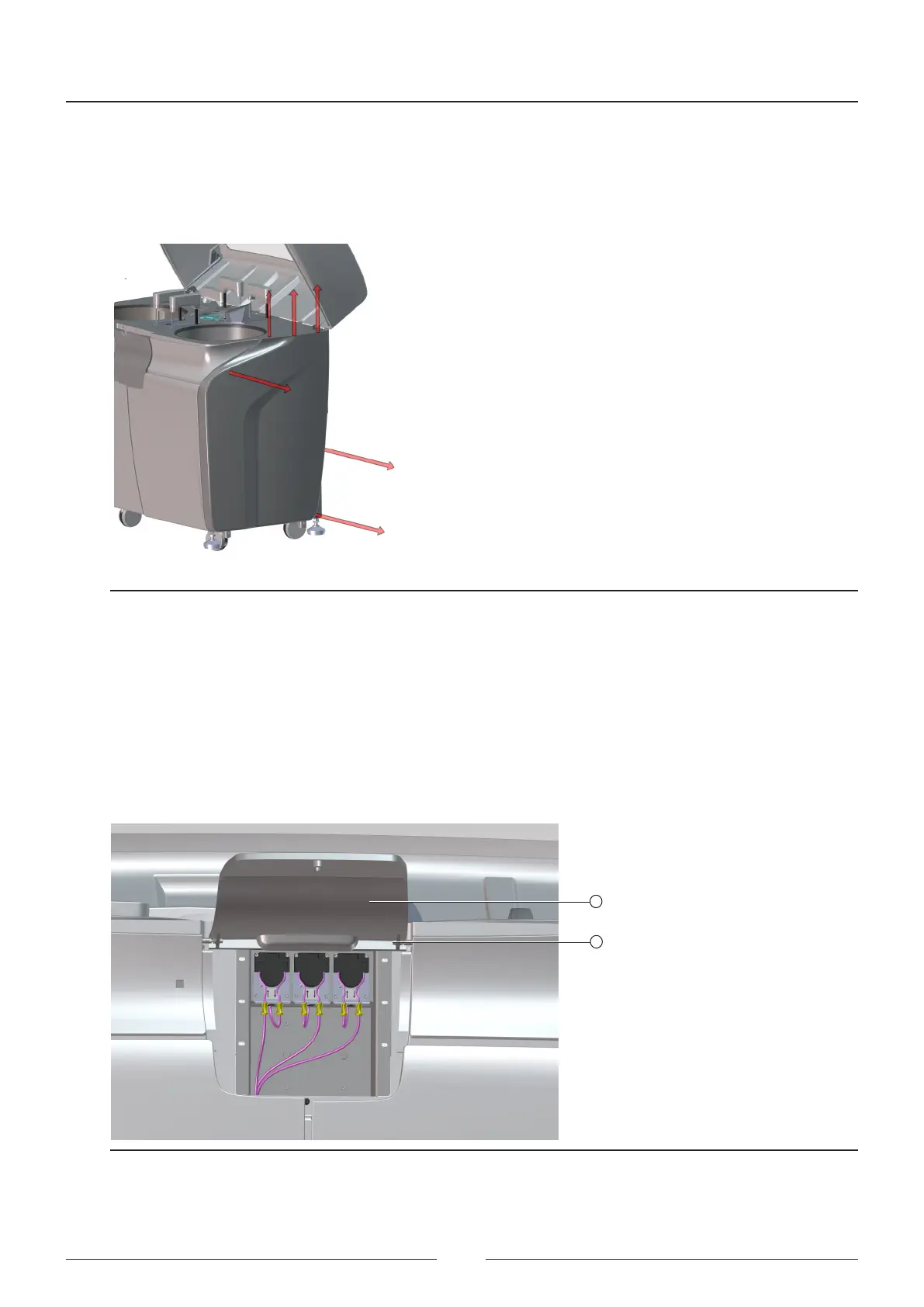
3. Remove the 3 external screws ().
4. Lift the housing slightly ( ) and remove it from the support.
Proceed in the same way to remove the housing on the left side.
Figure 8.33 Removing the rear cover
8.1.4. Dismantling and assembling the ISE cover
To remove the ISE cover, proceed as follows:
1. Open the ISE cover (1) to access the 2 screws that hold it in place (2).
2. Using an M4 Allen key, remove the 2 screws (2) together with their nuts, washers and the divider.
3. Remove the ISE cover.
Figure 8.34 Removing the ISE cover
2
1
Service Manual
98



 To Next Page