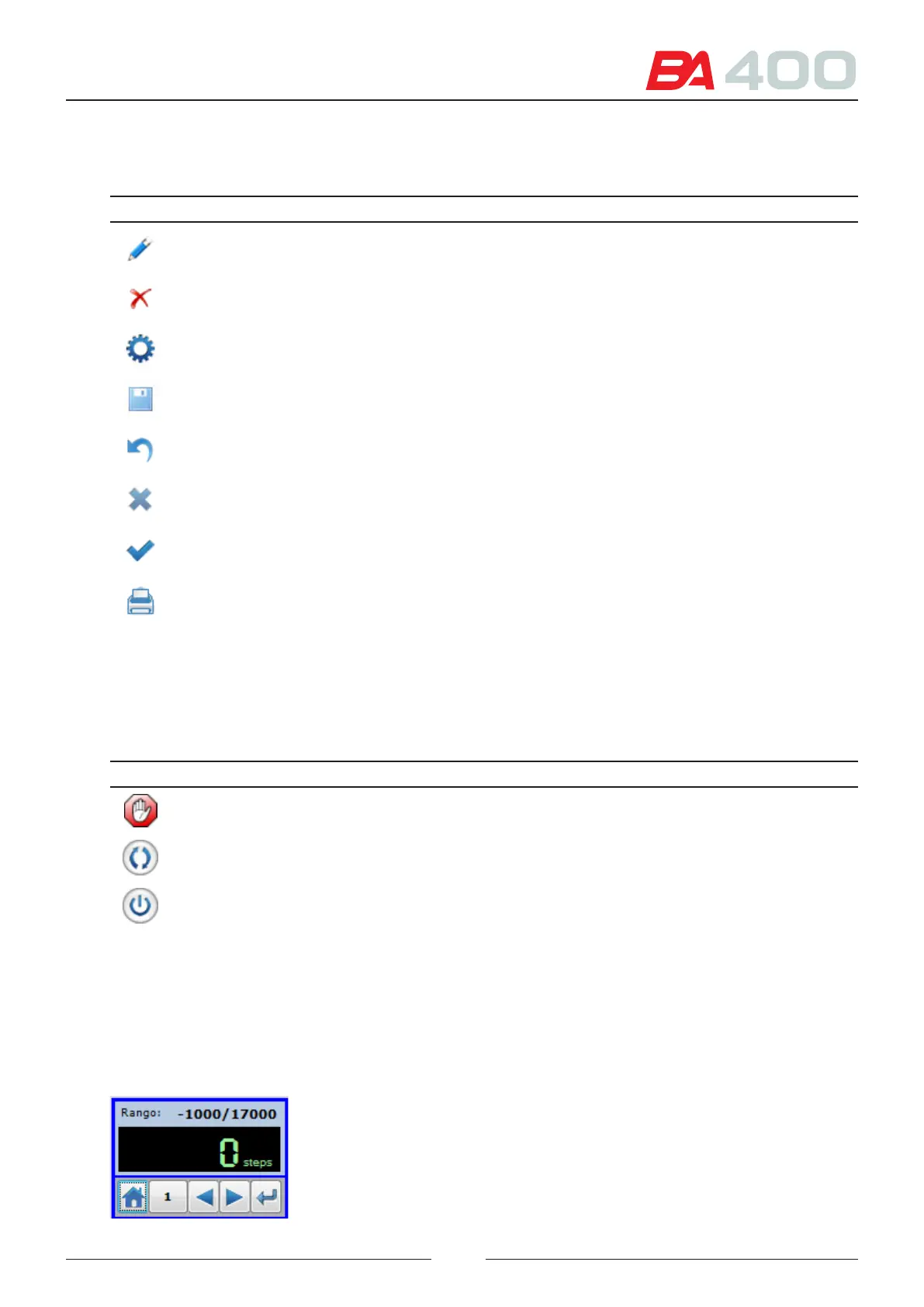
6.1.1. List of common icons
e following chart shows the meanings of the common icons:
Icon Name Description
Edit Enables values to be edited.
Delete Eliminates an element.
Adjustment Initiates the adjustment process.
Save Saves the adjustment made
Undo Undoes and recovers the last adjustment.
Close Closes the window.
Accept Accepts the changes and closes the window.
Print Launches a print request.
6.1.2. Vertical bar icons list
e vertical bar icons list shows the icons that perform actions directly on the analyser. e following chart contains
a decription of each one.
Icon Name Description
Stop is icon is used to immediately stop an execution in course.
Connect is icon is used for connecting the programme with the analyser.
Shut down is icon is used to stop and shut down the analyser.
6.1.3. Explanation of the adjustment text box
e following text box is the same for the whole service programme.
It is used to position the mechanical elements of the analyser, such as the arms, rotors, etc
67



 To Next Page