5. Move the wash station head until the tips of the station are properly centred with the rotor.
6. Tighten the screws (2).
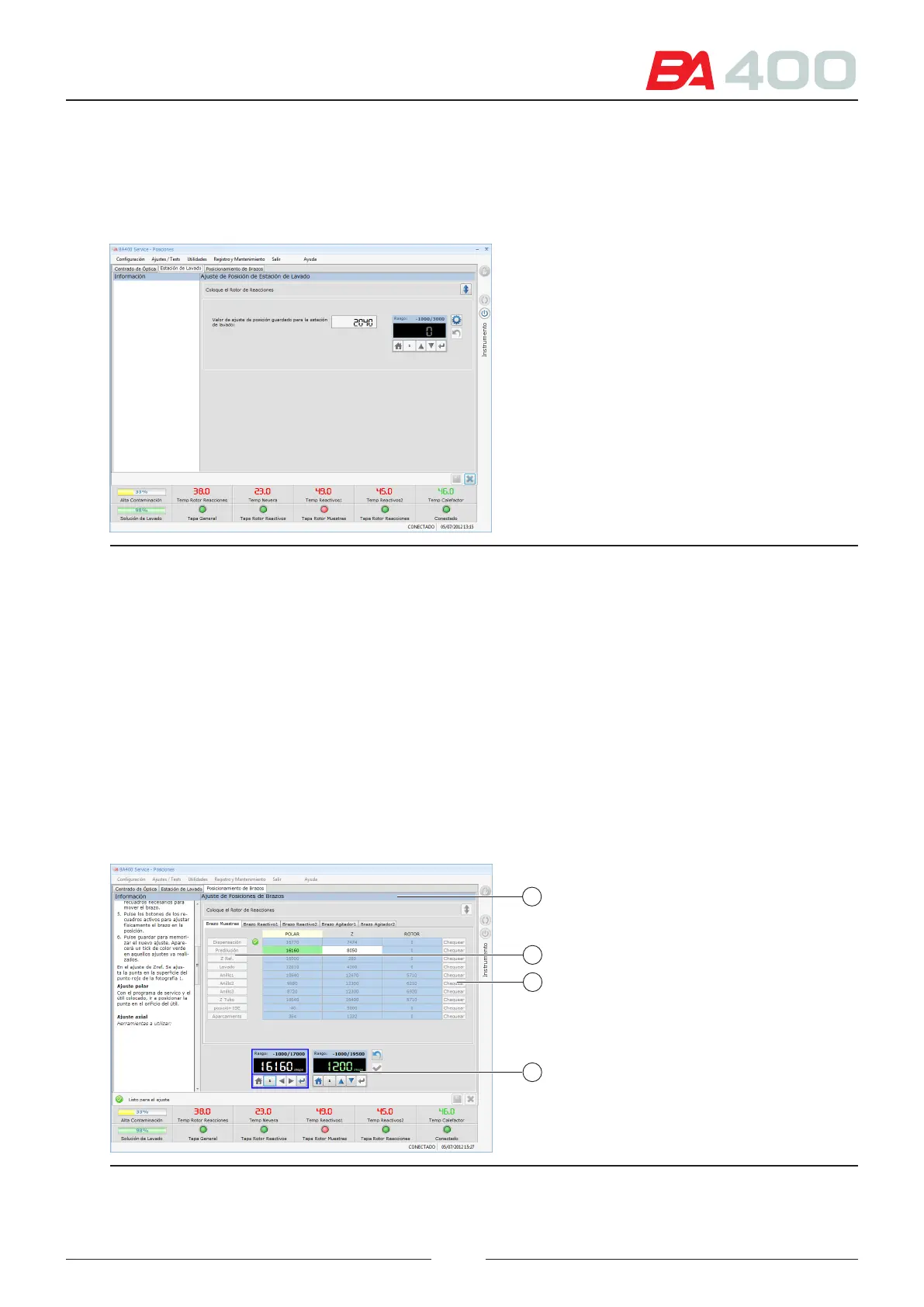
After making the mechanical adjustment, adjust the height of the wash station with the service programme.
See Figure 6.10.
Figure 6.12 Wash station position adjustment screen
1. Press the adjustment start button.
2. Move the vertical positioning of the wash station using the adjustment box.
3. Step by step, move the wash station to lower the station tips until the tip of the dryer touches the rotor and the
spring is lightly pressed (about 0.5 mm).
4. Save the positioning value.
6.5.1.3. Adjusting the arm positioning
In this screen (Figure 6.11) you can adjust the vertical positioning, height and positioning in the rotor of all ve
arms: sample, reagent 1, reagent 2 and stirring arms 1 and 2.
e screen shows a tab for each type of arm (1).
1
2
3
4
Figure 6.13 Screen for adjusting the arm positioning
75



 To Next Page