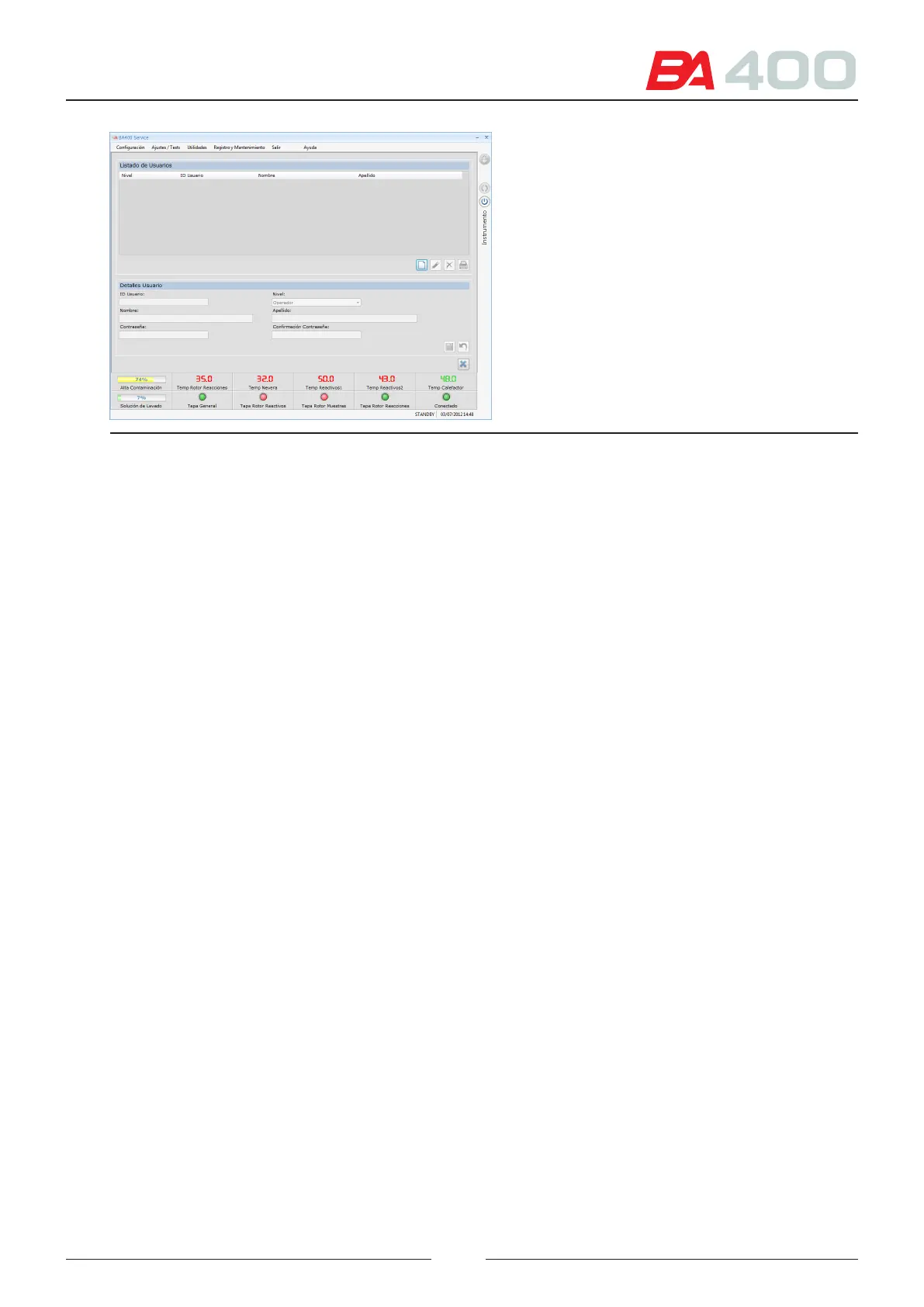
Figure 6.9 User creation screen.
6.5. Adjustments/Test
6.5.1. Adjust positioning
is menu is used to access the screens for adjusting the positions of the dierent mechanical elements of the ana-
lyser, such as arms, rotors, etc
To adjust some elements, a mechanical adjustment must be made as well as an adjustment in the service programme.
6.5.1.1. Optical centring adjustment
is adjustment is used to centre each well in the reading rotor with respect to the optical system light beam. e
ring point used to make the reading is also adjusted with respect to the centering of the rotor.
e screen displays the reading prole of 5 wells. e adjustment box is used to position the vertical lines in the centre
of the wells. To do this, move the rotor step by step until the reading tip is in the centre of the wells.
If a reading is saturated or has insucient light, move the sliding led current device to increase or decrease the
luminous intensity of the reading led.
1. Press the adjustment start button. e programme will make the optical reading of 5 wells in the rotor.
2. Step by step, move the encoder ring point with the adjustment box until the indicator line (4) is correctly
centred with respect to the well.
3. Save this position.
4. Bear in mind that if this value is changed, all the other mechanical elements will have to be adjusted.
73



 To Next Page