3-36 Operation
• Use the LEFT & RIGHT ARROW keys to move the cursor to the
previous or next editable field. The cursor will wrap around the edit
field.
• Use SOFT KEYS 1, 2, 3 & 4 when using alphanumeric characters on
the display above the soft key in the assay name.
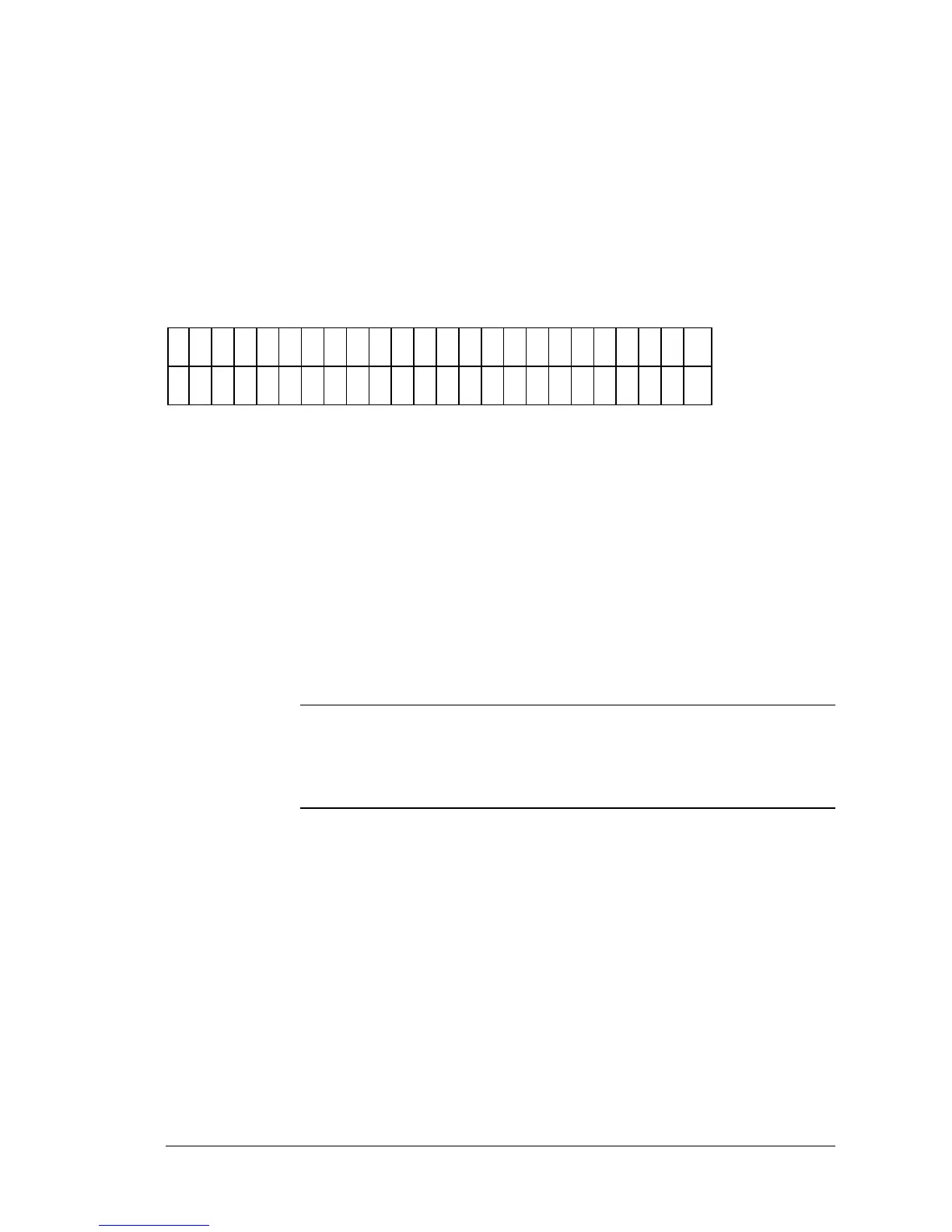
The next screen (Figure 3-46)will prompt for the number of assays
comprising this panel.
N
U
M
B
E
R
O
F
A
S
S
A
Y
S
:
2
Figure 3-46: Number of Assays screen
• Use the NUMERIC keys to update the display and the cursor to
advance to the next field. The limit is 8 assays.
The next screen (Figure 3-47), when defining a panel, prompts to select the
mapping direction of the assays. The available options are DOWN or
ACROSS.
iii
NOTE: All original map directions for the assays are overwritten in
the panel. If the assay includes replicates, they will follow the Panel map
direction.



 To Next Page