PowerWave Operator’s Manual 3-37
M
A
P
P
I N
G
D
I R
E
C
T
I O
N
: D
O
W
N
D
O
W
N
A
C
R
O
S
S
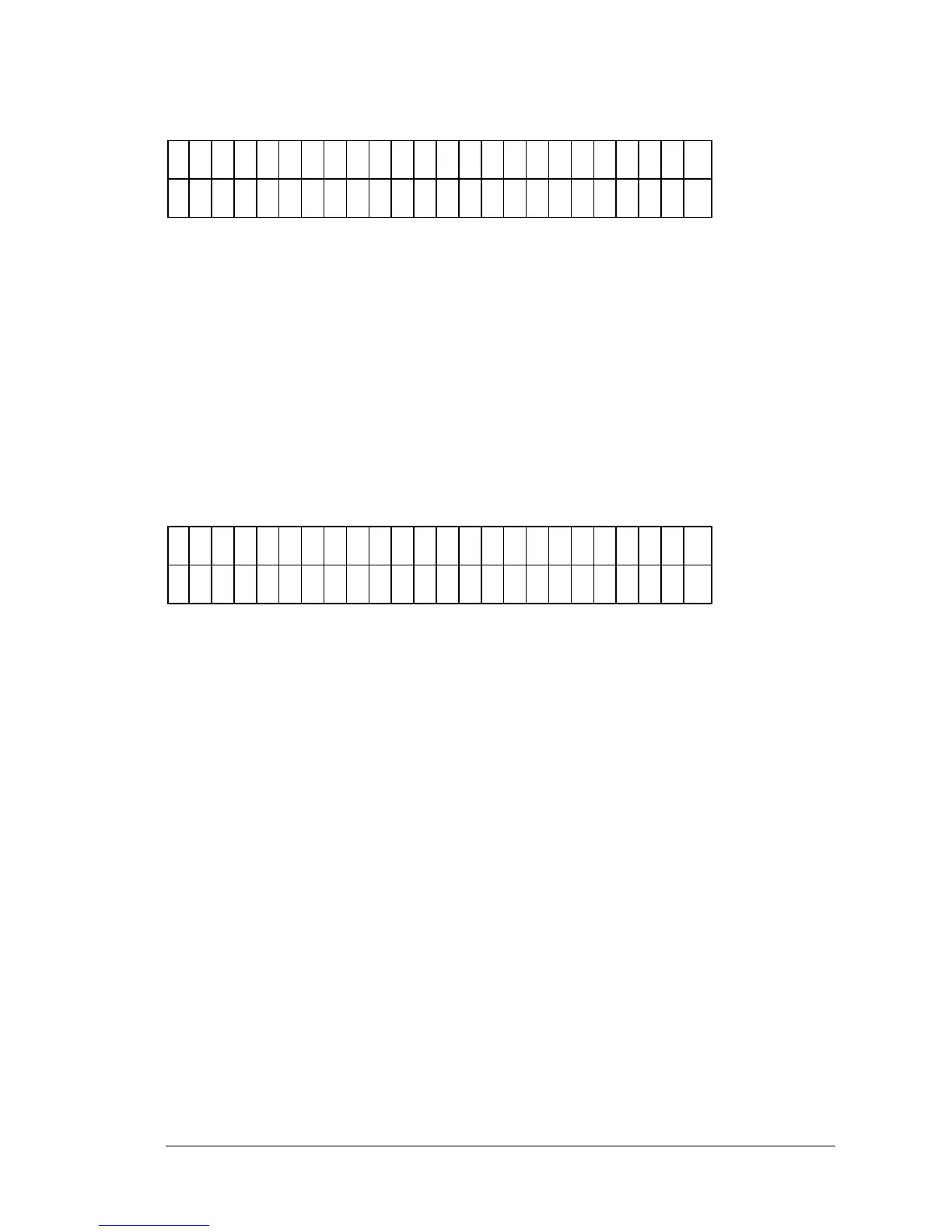
Figure 3-47: Choosing the Mapping Direction
• SOFT KEY 1 maps the assays and replicates DOWN.
• SOFT KEY 2 maps the assays and replicates ACROSS.
After selecting the mapping direction of the assays, it is necessary to choose
which assays will be used in the panel (Figure 3-48). It is important to note
that these assays must have been previously defined to be used in the
panel definition, and must all use the same wavelength.
S
E
L
E
C
T
A
S
S
A
Y
N
U
M
B
E
R
:
2
2
N
A
M
E
: H
B
S
- A
G
1
Figure 3-48: Selecting the Assay Number
• The OPTION key will increment the assay number by one. The
display will be updated as the keys are pressed.
• The NUMERIC keys are used to choose the assay numbers of the
tests to be run. The range is 1 to 55.



 To Next Page